Pointing Devices and Keyboard
Hardware Guide 2–3
Using the Pointing Stick
To move the pointer, press the pointing stick in the direction
you want to move the pointer. Use the left and right pointing stick
buttons as you would the left and right buttons on an external
mouse.
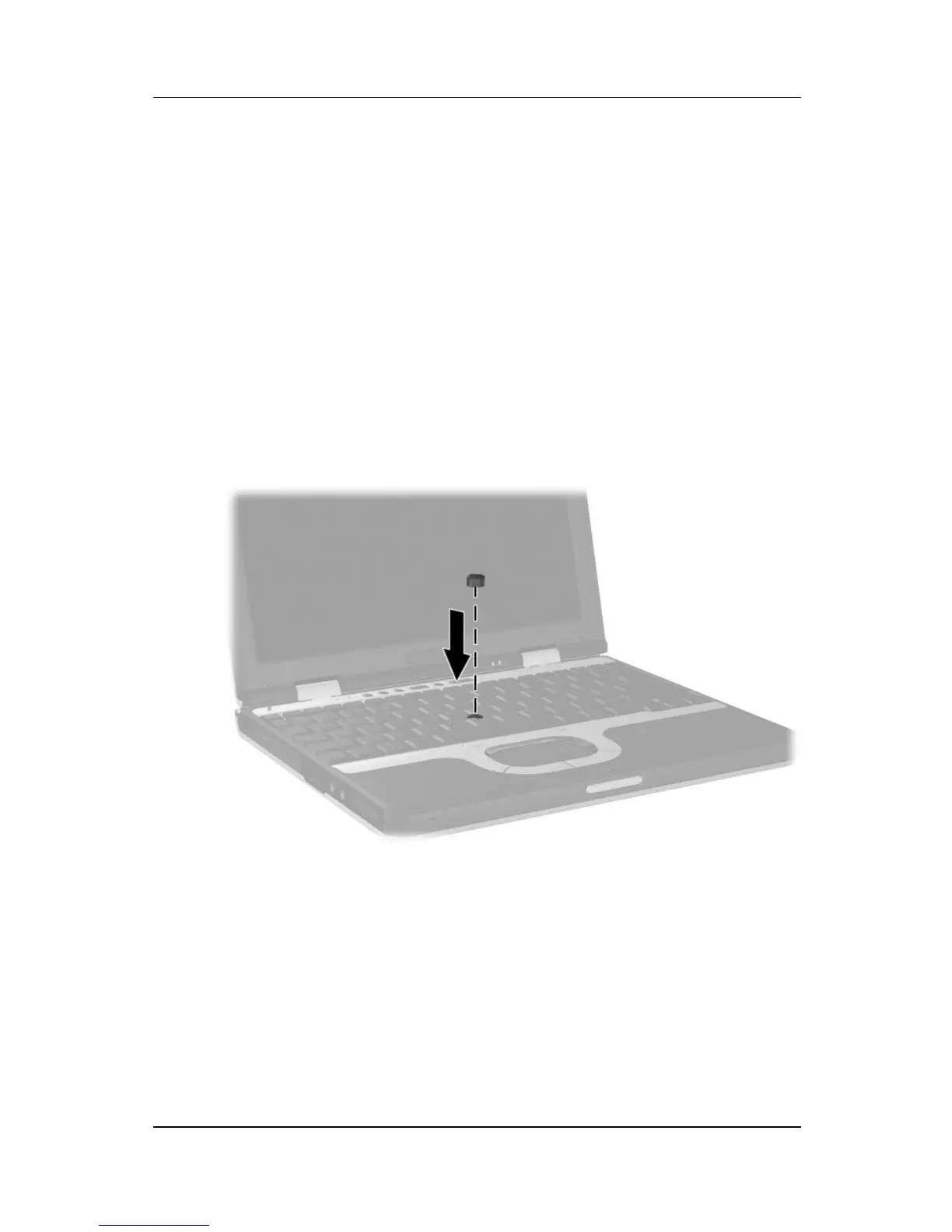
To change the pointing stick cap:
1. Turn off the notebook.
2. Gently pull off the used pointing stick cap.
3. Push a replacement cap, included with the notebook,
into place.
Replacing the pointing stick cap
Using the TouchPad
To move the pointer, slide your finger across the TouchPad
surface in the direction you want to move the pointer. Use the
left and right TouchPad buttons as you would the left and right
buttons on an external mouse.



 To Next Page