6–2 Hardware Guide
Communication Devices
Using the RJ-11 Cable
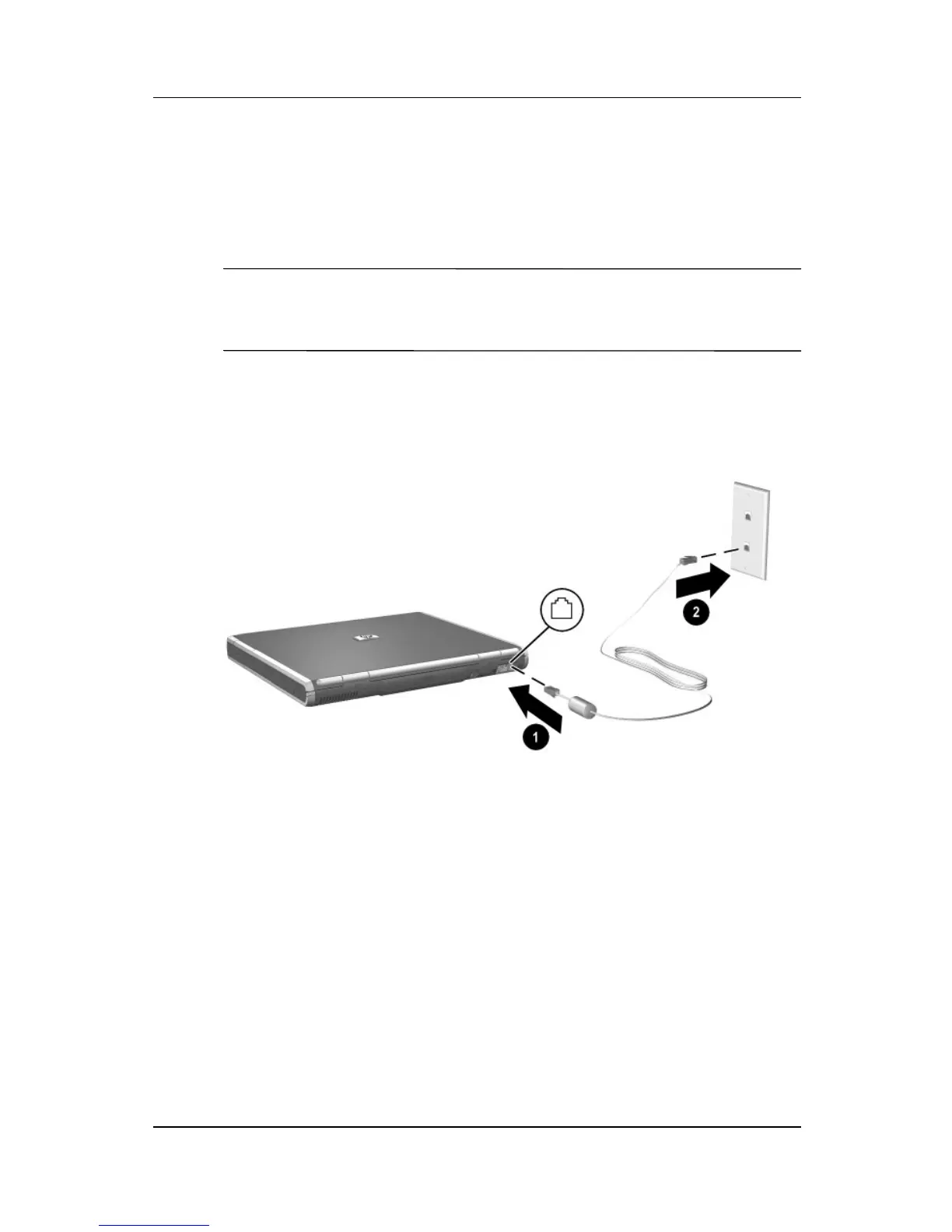
To connect an RJ-11 modem cable:
1. Plug the modem cable into the RJ-11 jack on the notebook 1.
Å
WARNING: To reduce the risk of electrical shock, fire, or damage to
the equipment, do not plug a telephone cable into the RJ-45
network jack.
2. Plug the modem cable into the RJ-11 telephone jack 2.
Connecting the RJ-11 modem cable
For more information about using the modem or about using AT
commands and dial modifiers, refer on this CD to the Modem and
Networking guide or the Modem Command Guidelines
(Advanced Users Only) guide.



 To Next Page