3–6 Hardware Guide
Battery Packs
3. Snap the battery pack into place.
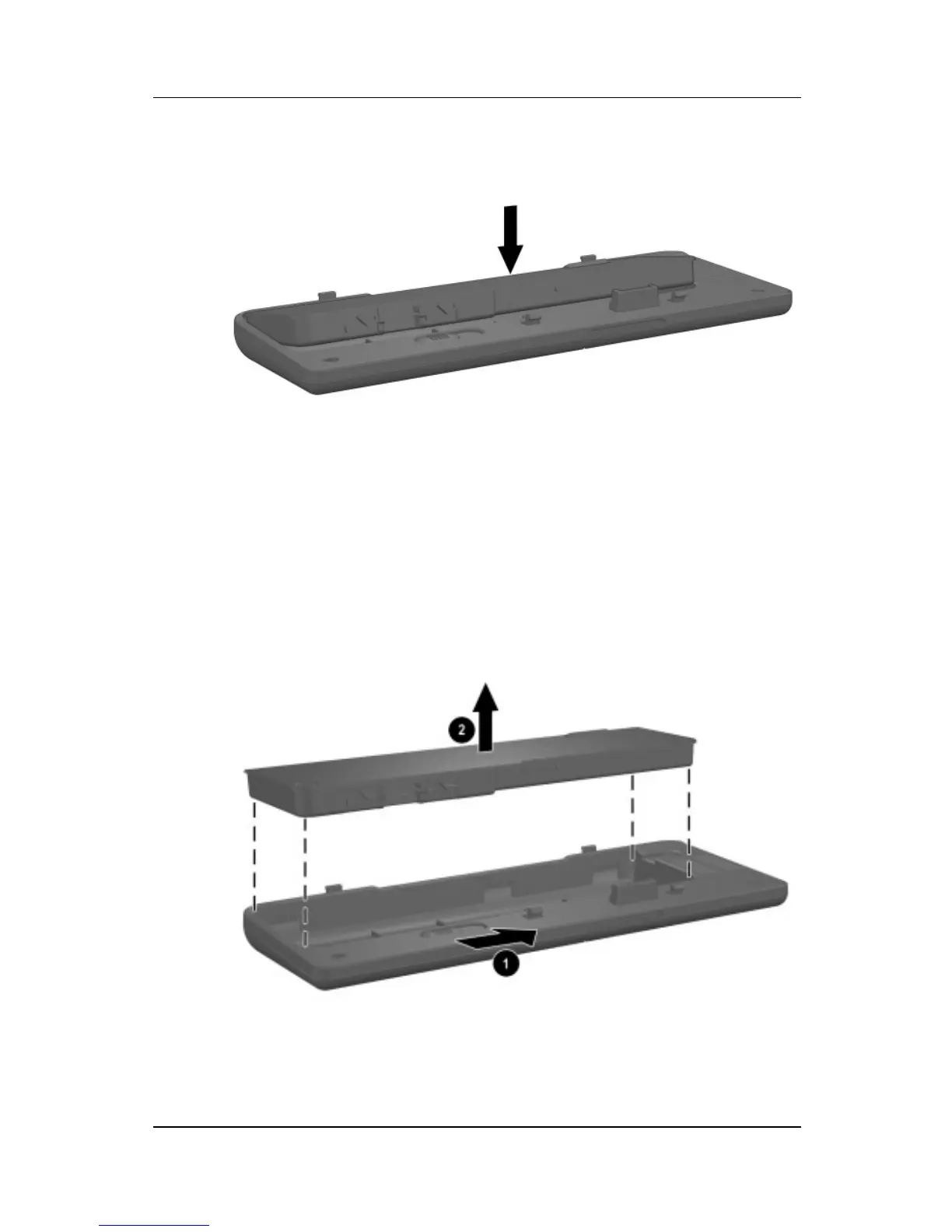
Inserting the battery pack into the travel battery caddy
To remove the battery pack from the travel battery caddy:
1. Eject the battery pack from the travel battery caddy by sliding
the battery release latch 1.
2. When the battery pack tilts upward, remove it from the travel
battery caddy 2.
Removing a battery pack from the travel battery caddy



 To Next Page