8–12 Hardware Guide
Hardware Upgrades
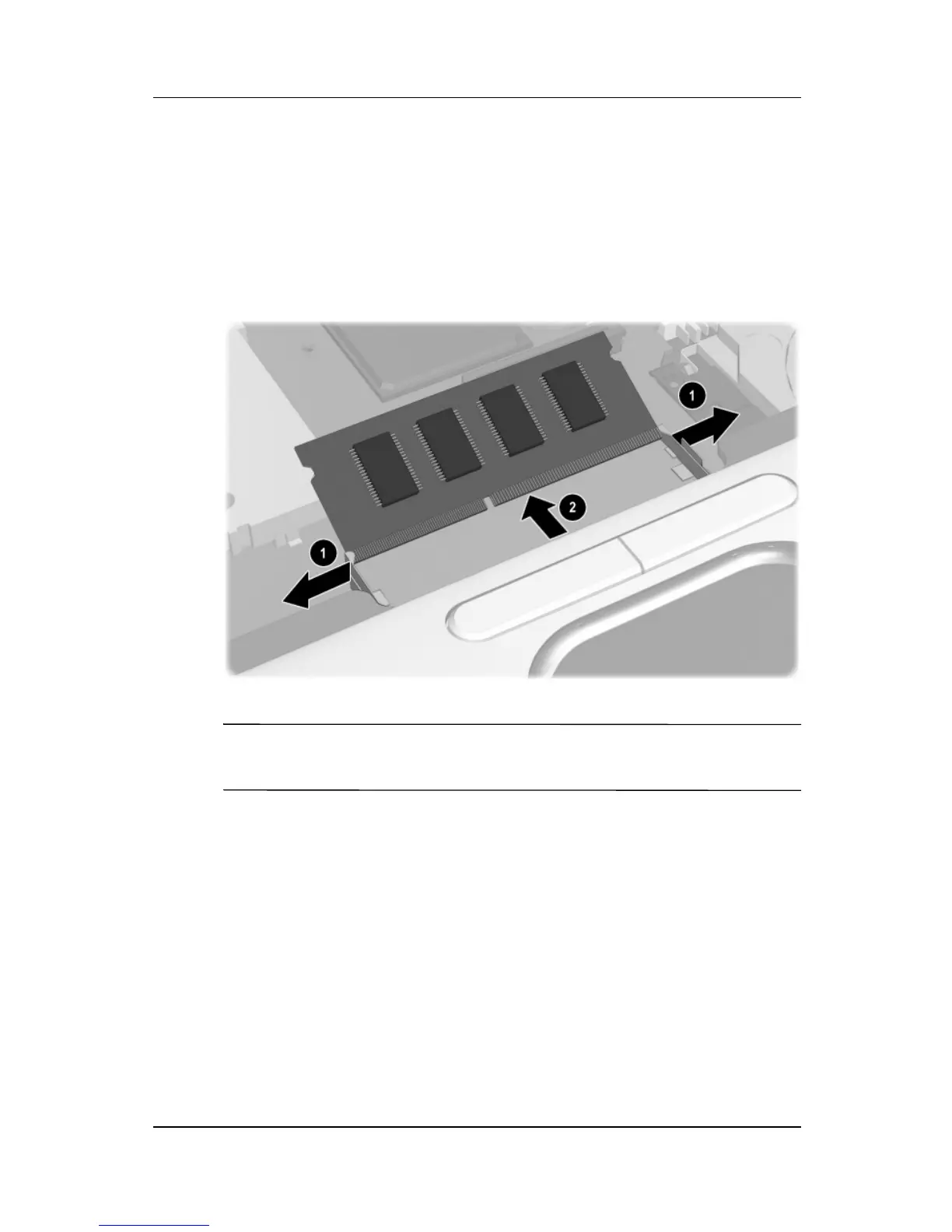
8. Remove the existing memory module:
a. Pull away the retention clips on each side of the
module 1. (The module tilts upward.)
b. Lift the edge of the memory expansion module, then
gently pull it out of the slot 2.
Removing the existing memory module
✎
To protect a memory module after it has been removed, place it in
an static-safe container.



 To Next Page