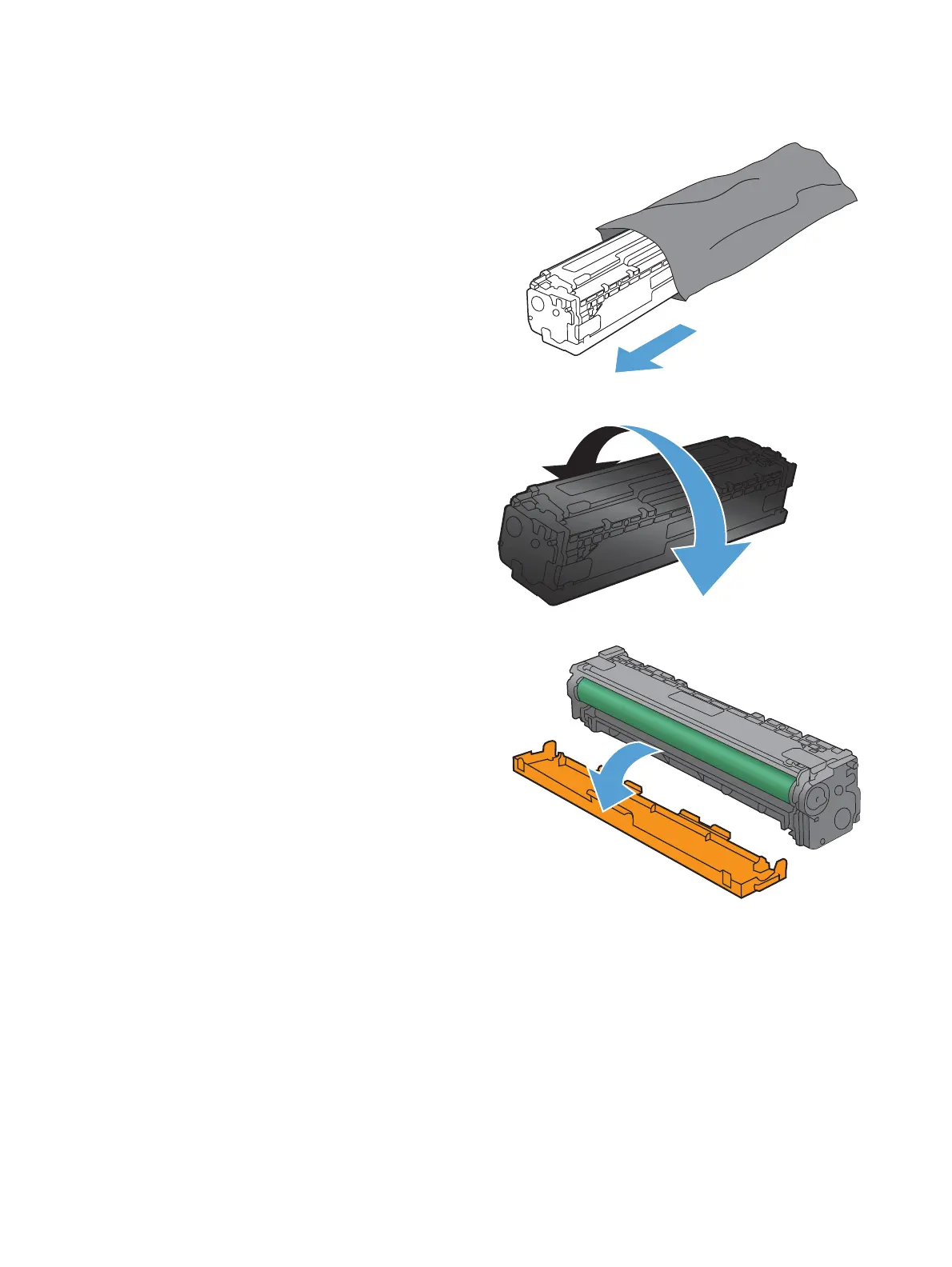
4. Remove the new print cartridge from the
packaging.
5. Gently rock the print cartridge from front to
back to distribute the toner evenly inside the
cartridge.
6. Remove the orange, plastic shield from the
bottom of the new print cartridge.
46 Chapter 5 Print cartridges ENWW



 To Next Page