2. If the server firmware is not the latest revision, update the firmware.
3. If the new controller is the new boot device, install the controller drivers .
Installing a type-p PCIe plug-in controller optionInstalling a type-p PCIe plug-in controller option
PrerequisitesPrerequisites
CAUTION:CAUTION: A discharge of static electricity from a finger or other conductor might damage system boards or other static-
sensitive devices. To prevent damage, observe antistatic precautions.
Before you perform this procedure, make sure that you have the following items available:
T-15 Torx screwdriver
Phillips No. 1 screwdriver—This tool is required if you plan to replace the default bracket on the storage controller.
ProcedureProcedure
1. Power down the server.
2. Disconnect the power cord from the AC source.
3. Remove the power adapter cord from the power cord clamp, and then disconnect the power adapter from the server.
4. Disconnect all peripheral cables from the server.
5. If installed, unlock and remove the security padlock and/or the Kensington security lock.
For more information, see the lock documentation.
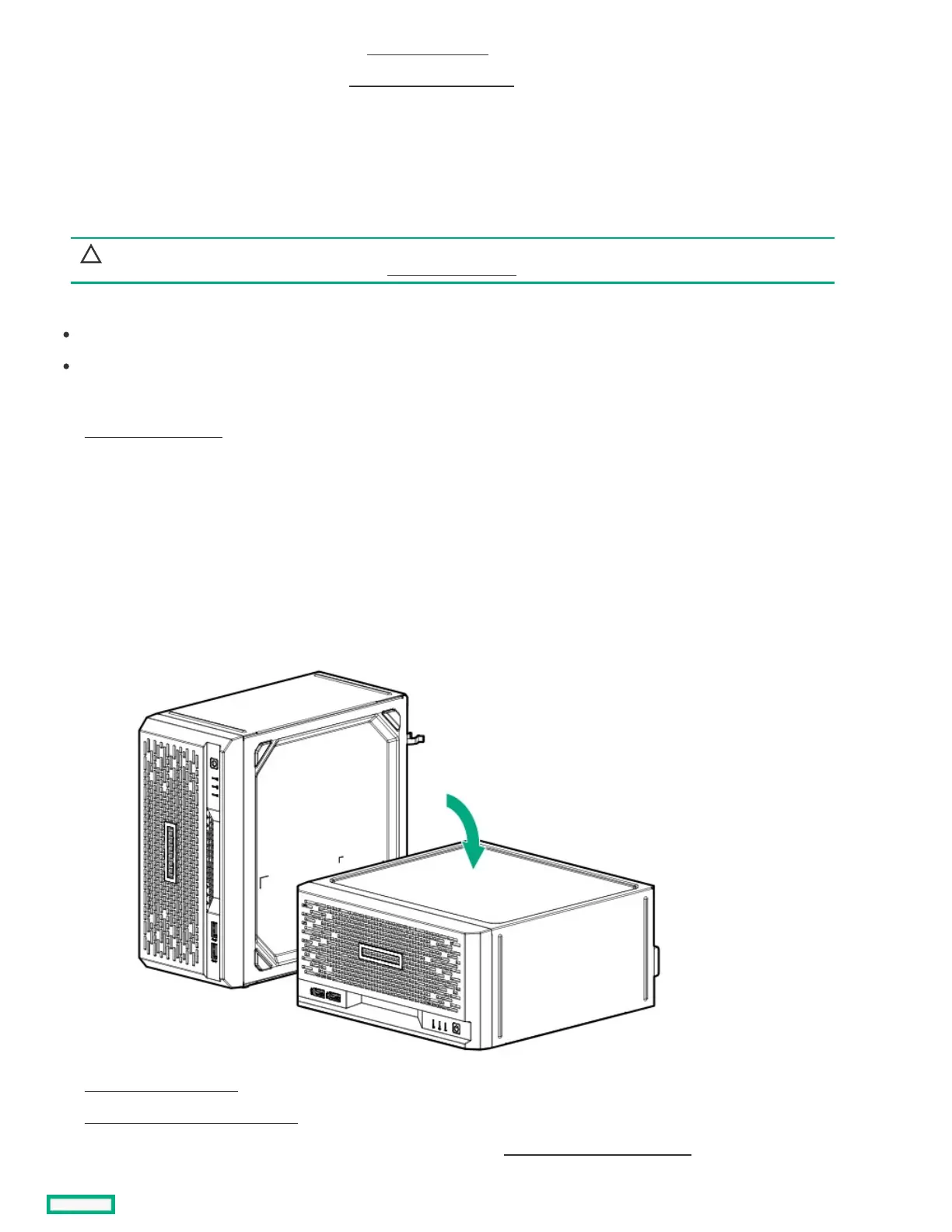
6. If the server is in a vertical orientation, position the server in a horizontal orientation.
7. Remove the chassis cover .
8. Remove the system board assembly .
9. If the storage controller is shipped with a full-height bracket attached, replace it with a low-profile one .















 To Next Page