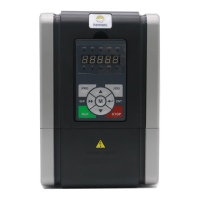
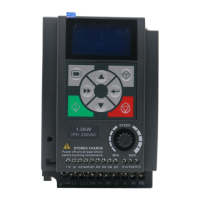
QUICK START for HD20 OPERATION
Note:
Some parameters have been set (factory setting) so that you could not set for the initial use.
Control the start/stop and set the running frequency via using the display panel
1. Power on. Using the display panel can set motor parameters (see the motor nameplate
parameter), running frequency and acceleration/deceleration time. See the following table.
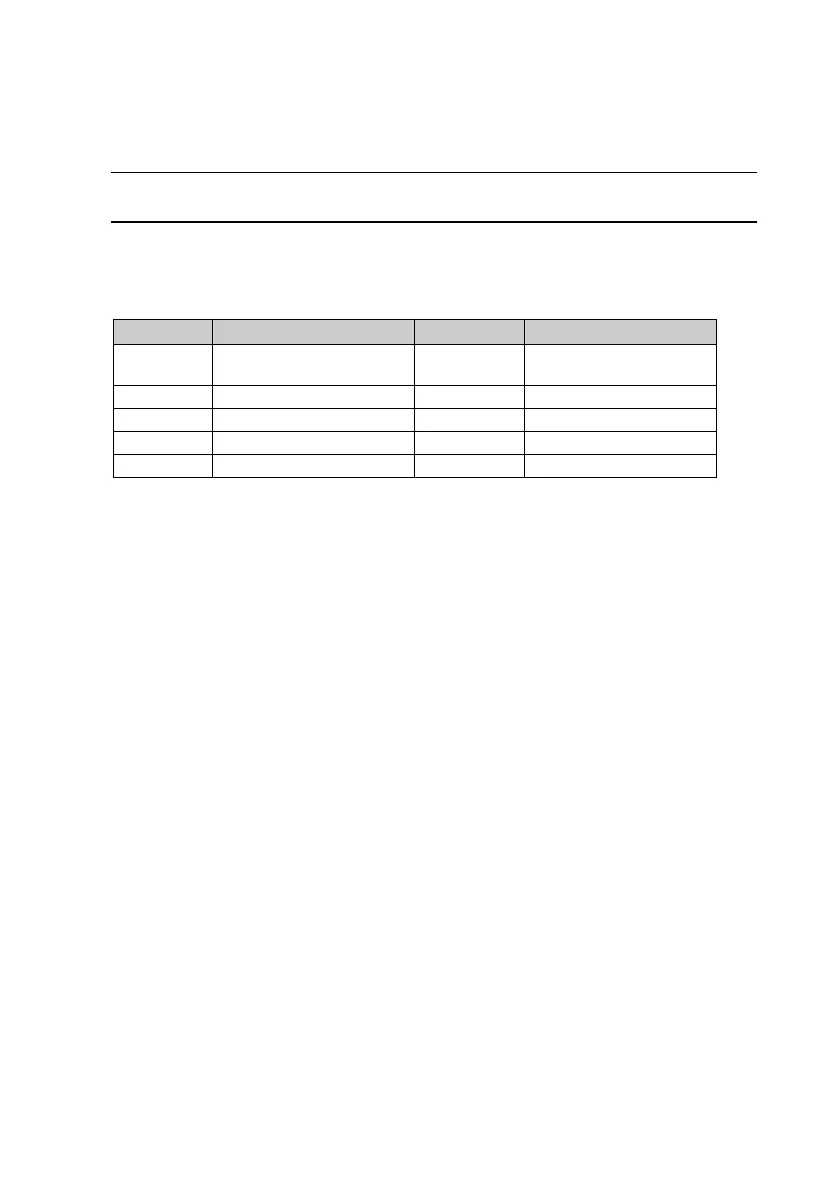
No. Parameter name No. Parameter name
F08.00 Rated power of motor 1 F00.13
Starting frequency digital
setting
F08.01 Rated voltage of motor 1
F08.02 Rated current of motor 1 F03.01 Acceleration time 1
F08.03 Rated frequency of motor 1 F03.02 Deceleration time 1
F08.04 Rated RPM of motor 1
2. Pressing panel’s key can start the inverter, and pressing key can stop the
inverter outputting.

 To Next Page
 Loading...