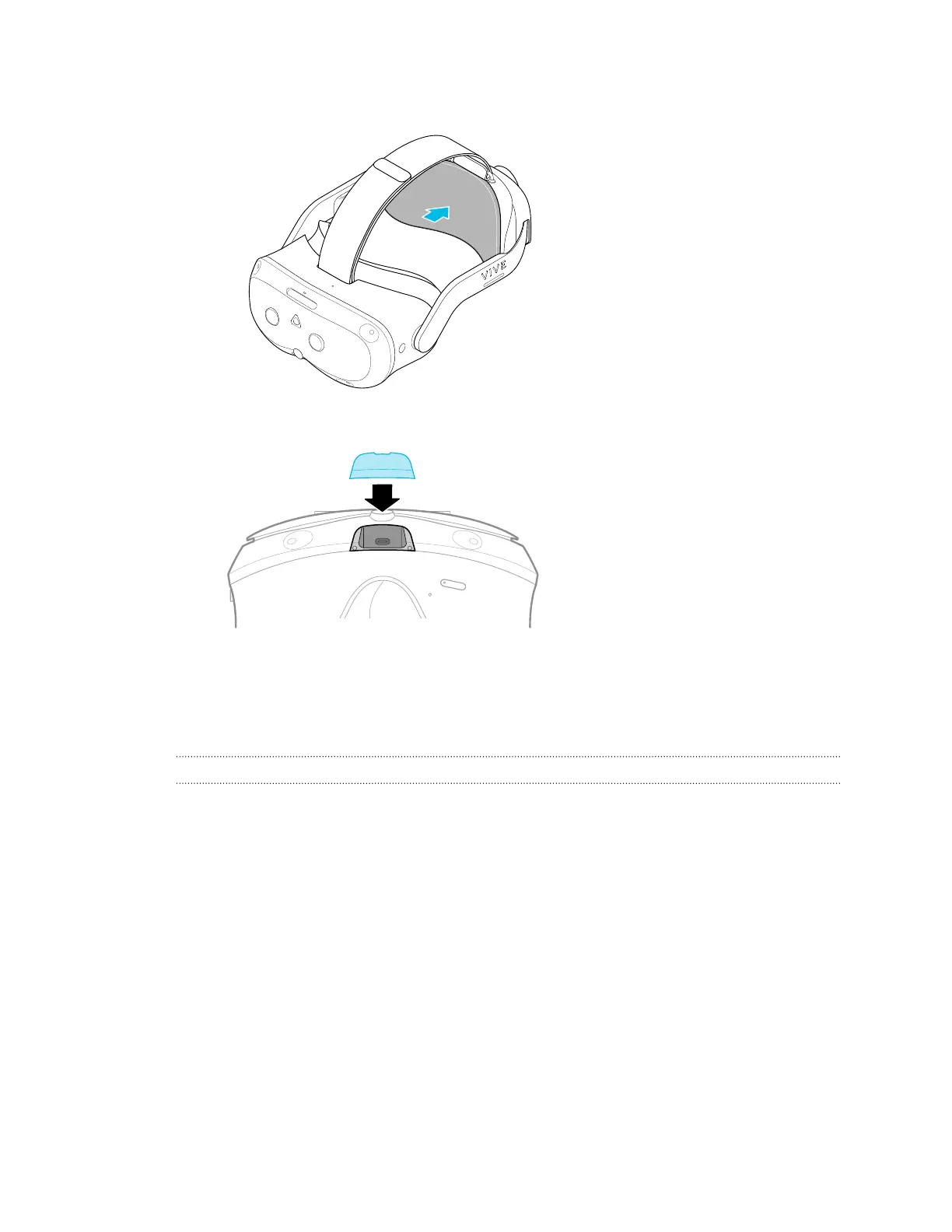
3. Reattach the magnetic back pad.
4. Align and reattach the magnetic USB cover.
5. Reinsert your microSD card, if you have one.
6. Reattach the face cushion frame.
Your headset is now ready to use. You may need to set it up again.
What do I do if my content crashes?
If you're having trouble with your content, here are some tips.
§ Try accessing the Dashboard by pressing the VIVE button on your controller.
§ If your content will not respond and you can't close it, press and hold the headset button
for 10 seconds to force quit. You should be returned to the lobby. If you are still unable to
use your headset, see What do I do if my headset isn't responding? on page 90.
87 Solutions and FAQs



 To Next Page