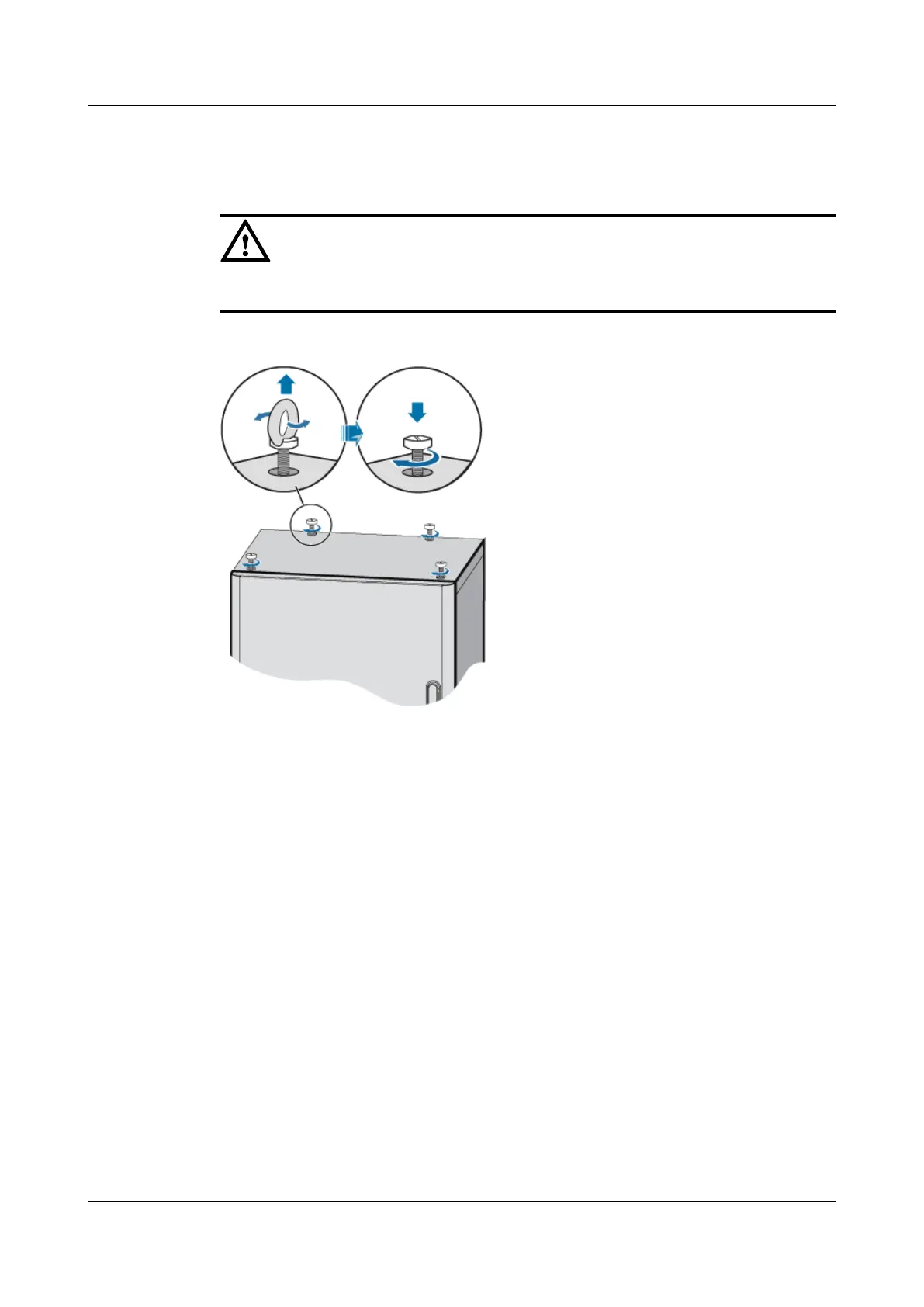
Step 4 Remove the ropes and lifting lugs, and then install the plastic screws, as shown in Figure 4.
CAUTION
Before installing the rubber screws, clean the mounting holes to prevent entry of metal bits.
Figure 7-14 Installing the plastic screws
Step 5 Use four M12x30 bolts to secure the cabinet on the base, as shown in Figure 7.
DBS3900 (Ver.B)
Installation Guide
7 Outdoor Scenario with DC Power Supply (BBU Installed
in a TMC11H)
Issue 06 (2011-09-15) Huawei Proprietary and Confidential
Copyright © Huawei Technologies Co., Ltd.
159



 To Next Page