– ALM LED: off
– ACT LED: on
l RUN LED on the UPEU: on
l STATE LED on the FAN unit: blinking green slowly (on for 1s and off for 1s)
7.8 Subsequent Operations
You must perform subsequent operations after installing a base station and checking related
hardware installation.
7.8.1 Sealing the Cable Holes on the Base
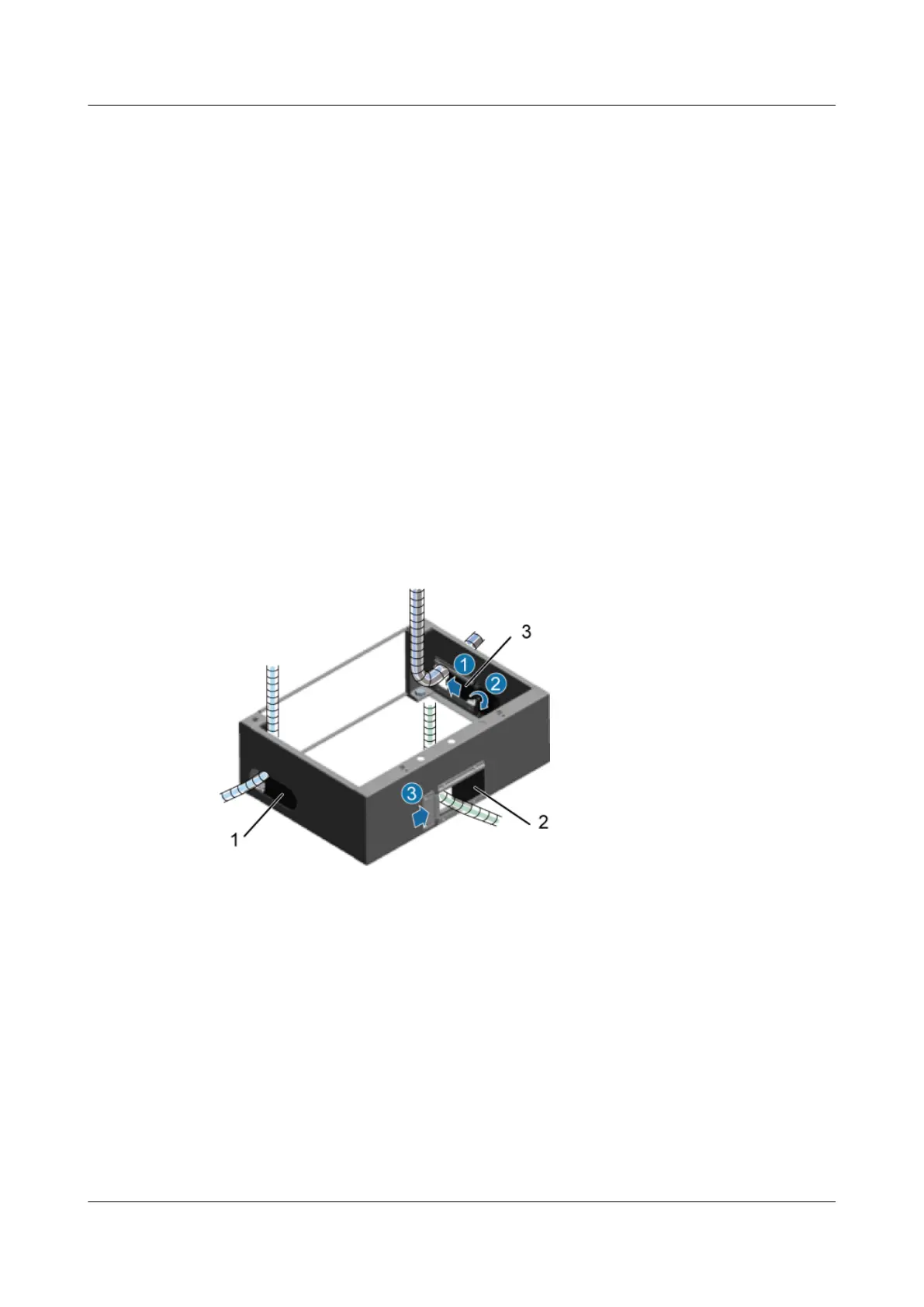
After all the cables are installed, you need to seal the cable holes of the base.
Procedure
Step 1 Use baffle plates to cover the idle cable holes, and then tighten screws on the plates, as shown
in Figure 7-87.
Figure 7-87 Sealing the cable holes of the base by using the baffle plates
(1) Baffle plate on the right
(2) Baffle plate at the rear (3) Baffle plate on the left
Step 2 Use fireproof clay to seal the cable holes of the base, as shown in Figure 7-88.
DBS3900 (Ver.B)
Installation Guide
7 Outdoor Scenario with DC Power Supply (BBU Installed
in a TMC11H)
Issue 06 (2011-09-15) Huawei Proprietary and Confidential
Copyright © Huawei Technologies Co., Ltd.
215



 To Next Page