eSpace IAD
Troubleshooting
3 Common Troubleshooting Methods
Huawei Proprietary and Confidential
Copyright © Huawei Technologies Co., Ltd.
Table 3-2 Command description
Source mirror
port. Configure
the uplink
network port of
the IAD as the
source mirror
port.
Destination
mirror port.
Configure the
port that is
connected to the
IAD on the PC
as the
destination
mirror port.
1 or 2
CAUTION
The uplink port of the IAD
which is used to connect the
IAD to the superior devices and
the port which is used for
cascading connections cannot
be set as the destination
mirrored port.
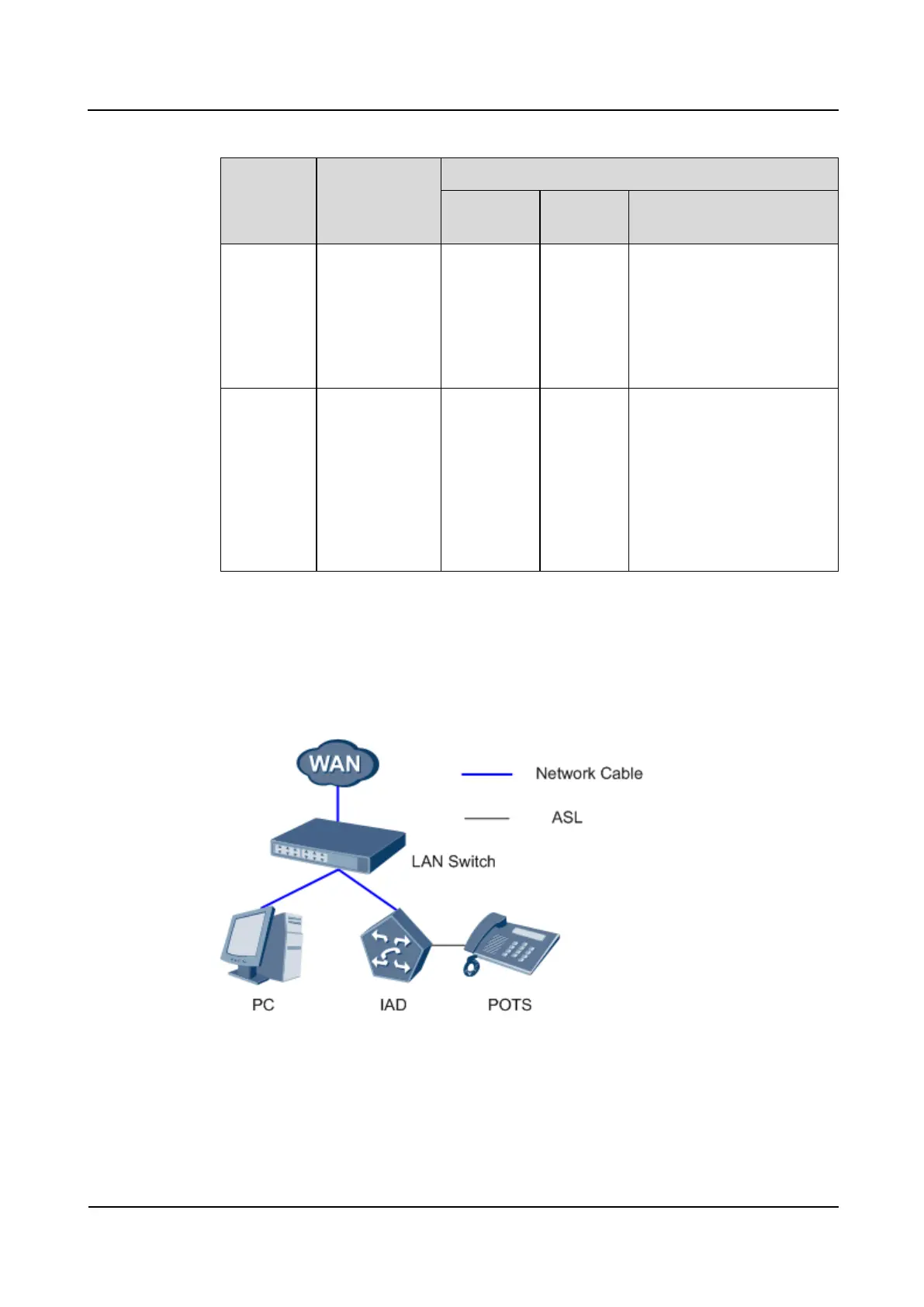
Capturing packets by using the mirror port on the switch
Connect the PC and the IAD to the same switch. The networking scheme is shown in Figure
3-11.
Figure 3-11 Networking example 3








 To Next Page