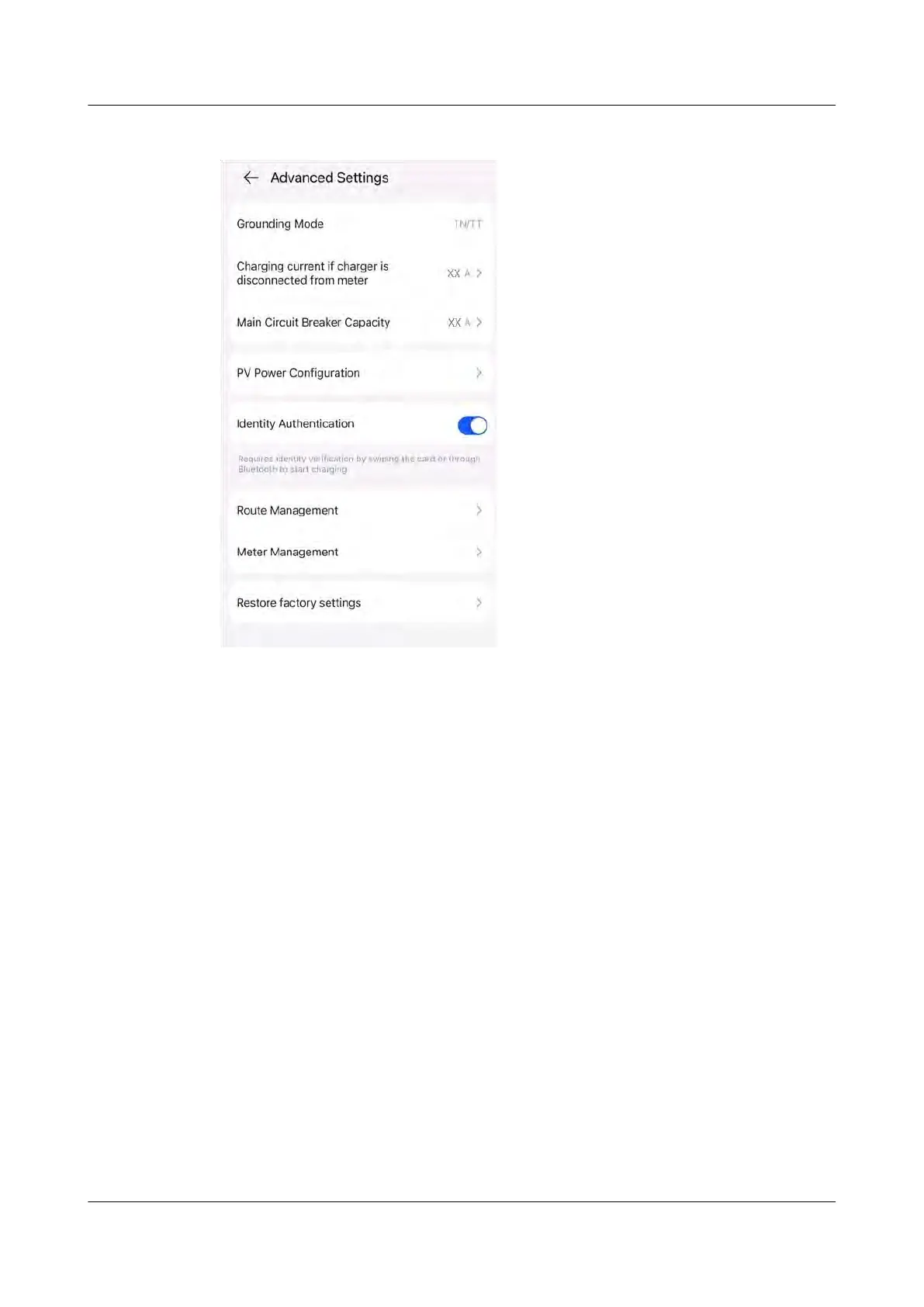
Figure 5-7 O
wner settings
Exception Description
If the f
actory settings are restored without unbinding the charger from the PV
plant, the charger will go oine in the management system after power-on and
power-o or network disconnection recovery. In this case, you need to unbind the
char
ger from the plant and then bind it again to restore the communication.
Step 1 Power o the charger.
Step 2 On the management sy
stem, click Unbind. The charger is now disconnected from
the management system, and a message is displayed indicating that the password
fails to be reset. Ignore the message and click Conrm again.
PV+ESS+Charger Solution
User Manual 5 Maintenance
Issue 02 (2023-01-13) Copyright © Huawei Technologies Co., Ltd. 78



 To Next Page