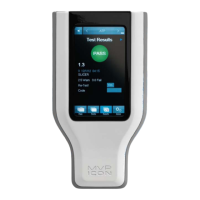
Finding a Test Point
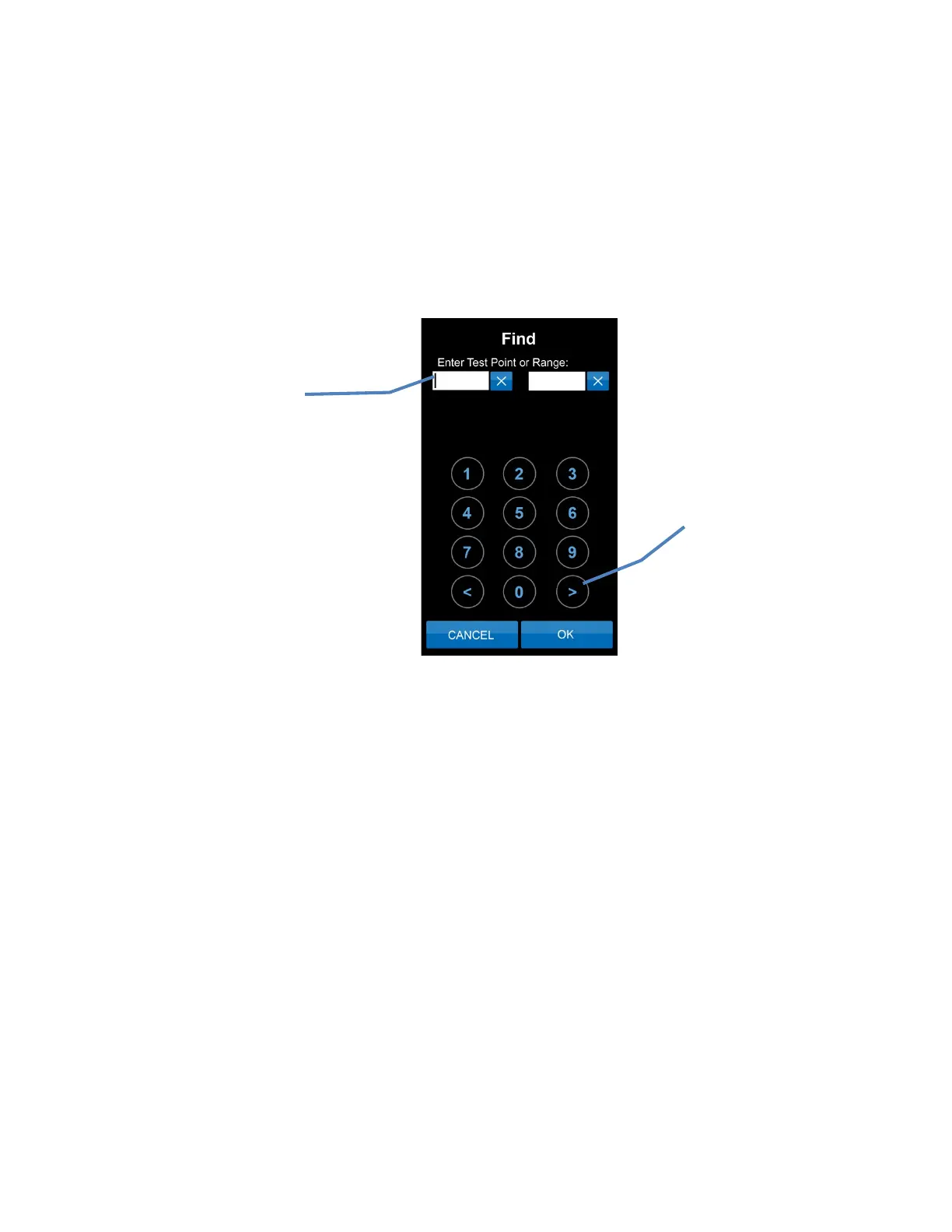
If a test point (or range of test points) is not readily available on the instrument screen, the
“Find” feature within “Points” can be used to search for specific test points.
• To search for a range of test points enter the first and last test point number in the
range.
• To search for a single test point enter the test point number as the beginning of the
range and leave the end of the range blank.
Note: To clear a field entry, press the “X” next to the associated field.
• The < and > buttons on the bottom of the key pad will clear entries or tab to the next field.
Use these buttons to
clear entries or tab
to next field
Enter individual test
point number or range
6


 To Next Page
 Loading...