Page 25
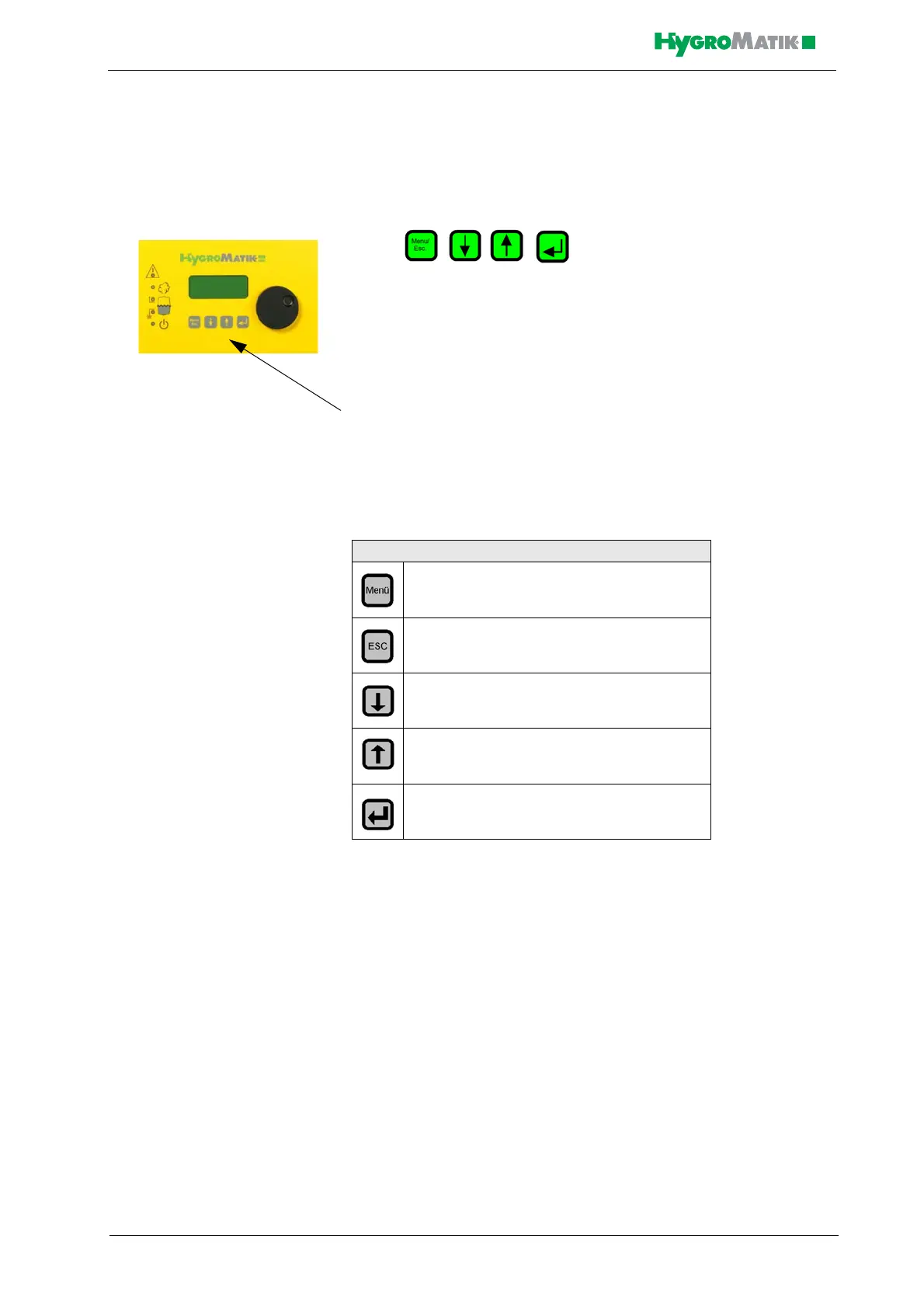
5.2.2 Function Keys
Keys are located below the display. Above
each key, a context-based action (software key) is shown on the lowest
line of the display (i.e. an “°C” key). The action is performed by press-
ing the key. The software keys in the display unit enable parameter
modification.
Keys
5.3 Operating Mode - Description of Accessible
Parameters
In Operating Mode, you have access to the following menus:
• Language
•Startup
• Name Plate
• Parameter Settings
Software Key Function
Access Menu Mode
Back to previous menu level
Reduce a value or “scroll up” within a menu
or parameter list
Increase a value or “scroll down” within a
menu or parameter list
Save or confirm a value / a figure or navi-
gate to the subordinate submenu













 To Next Page