Page 31
5.3.3 Electronic Name Plate Menu
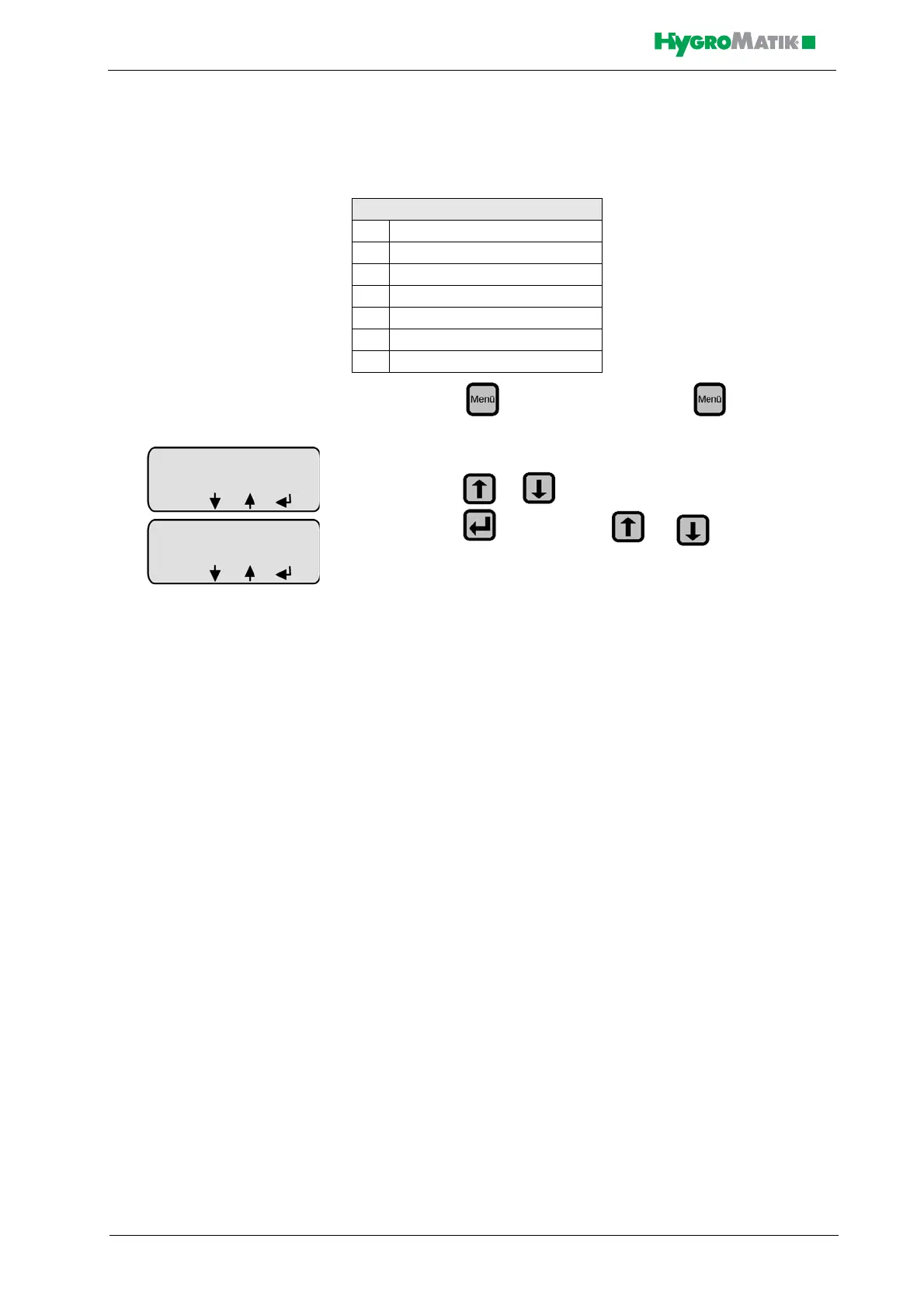
The display can show 6 different sets of unit data.
» press in Operating Mode, press in Operating
Mode,
» press or until “Nameplate” appears in the display
» press and then press or until the desired
value appears on the display
Electronic Name Plate
S1 Cylinder number
S2 Nominal capacity [kg/h]
S3 Software version
S4 Model type
S5 Year of manufacture
S6 Serial number
S10 Equipment designation














 To Next Page