Page 26
5.3.1 Language Menu
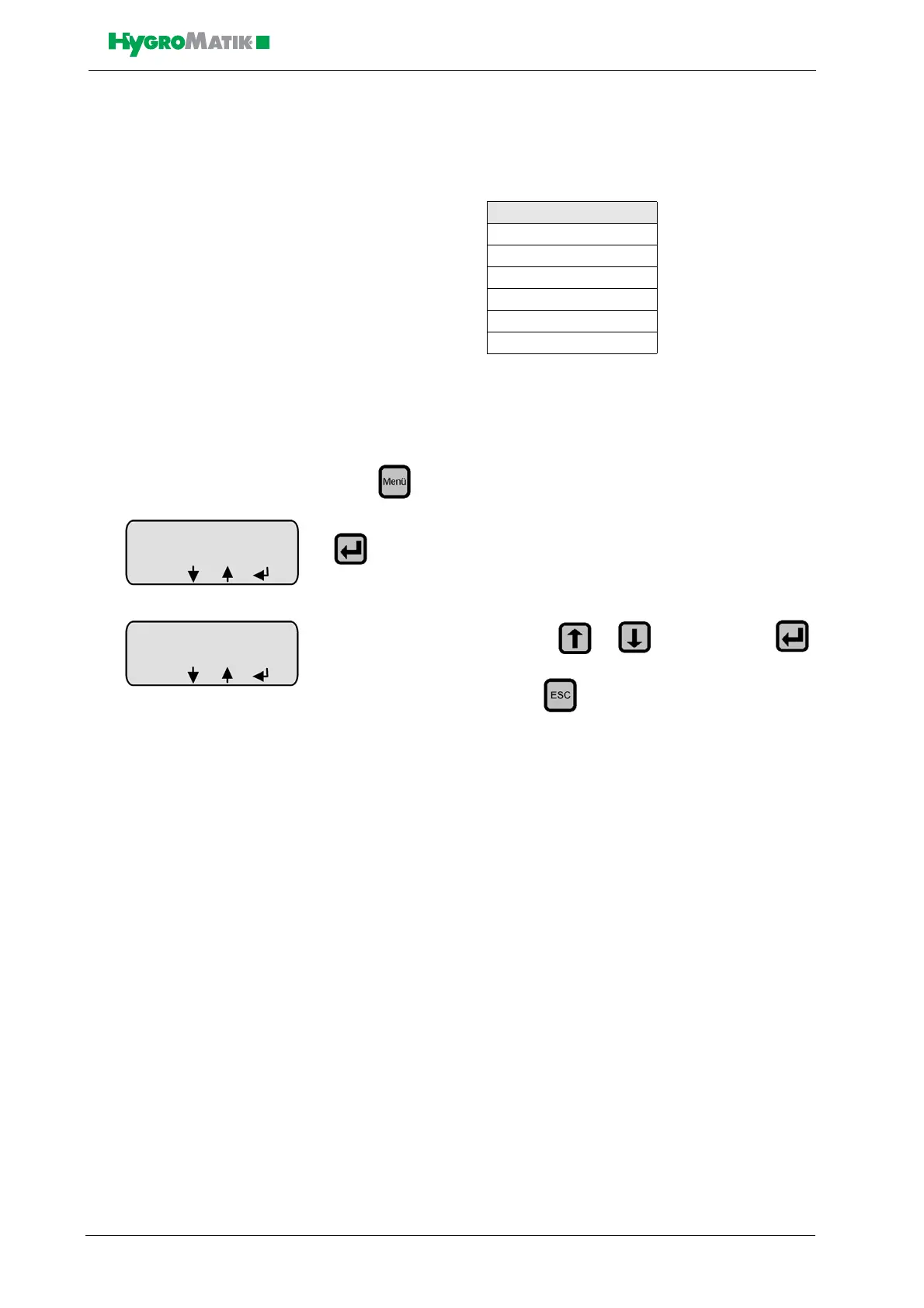
In this menu, you can select the language in which you communicate
with the humidifier.
Programming sequence to modify the language:
press in Operating Mode,
select the desired language with or and confirm with .
Exit the language menu with .
5.3.2 Start-Up Menu
Start-up menu
The start-up menu comprises settings and parameters that may be
needed for humidifier start-up.
The start-up menu is divided into two submenus:
• Control parameters
• Systemt test - the programming sequence initially follows sub-
menu „control parameters“
•
Sprache / Language
German
English
French
Spanish
Japanese
Italian
Sprache/Language
English
ESC














 To Next Page