Page 29
5.3.2.2 System Test Submenu (under Startup Menu)
This test enables checks of various humidifier functions (for example,
during start-up).
The following test routines can be executed:
To select the “System Test” submenu (the initial programming
sequence here is analogous to the description of navigation to the con-
trol parameters submenu):
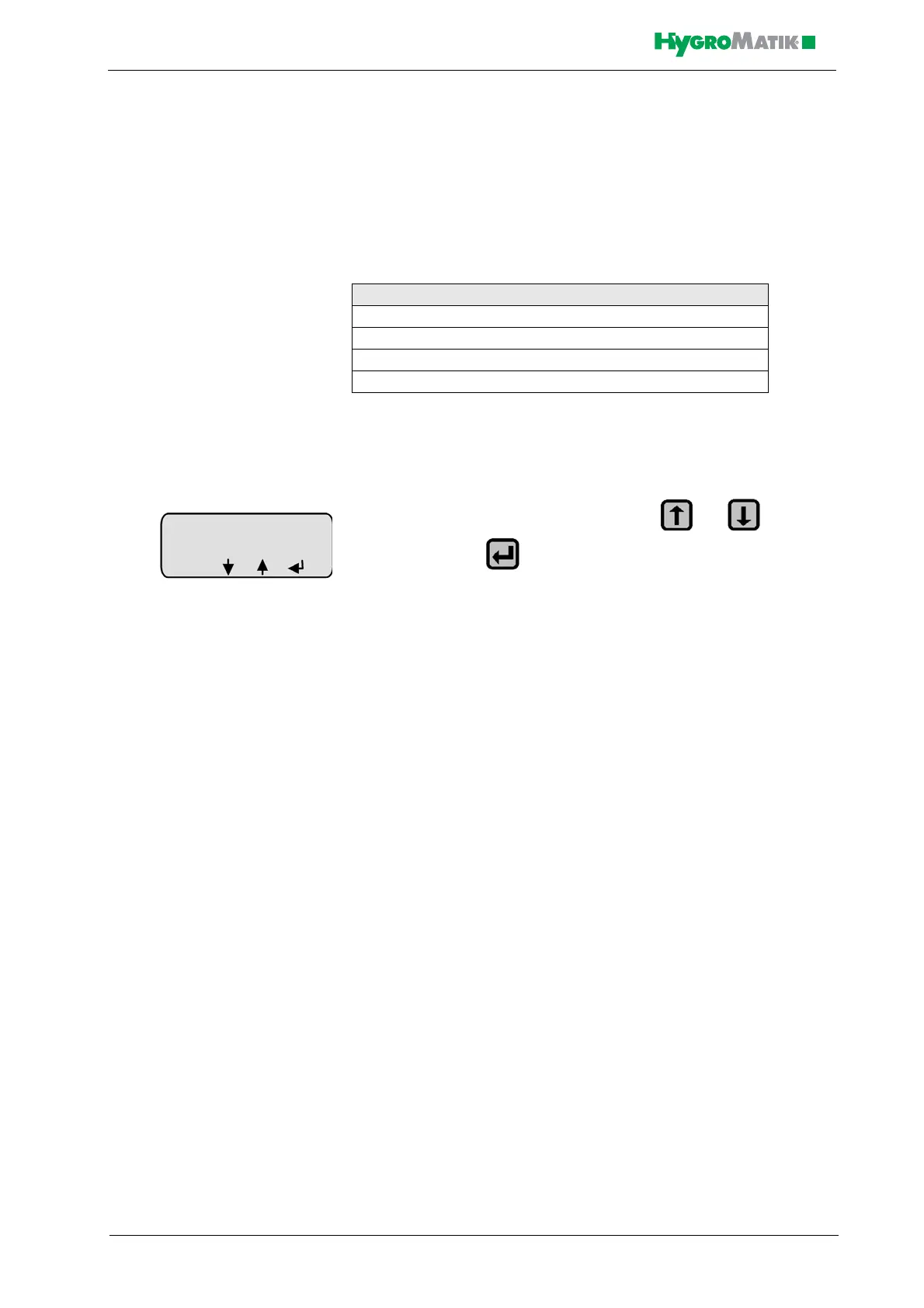
» select the desired test routine with or and con-
firm with - the test will be executed
Automatic System Test
The automatic system test performs all the stand-alone tests described
below. Upon completion of each test, a message appears on the dis-
play for a few seconds. After this, the next test is performed.
LED Test
This test provides the ability to check the function of the LEDs. The
LEDs Humidifying, Filling, Blow-Down and Fault are activated
sequentially for a few seconds. Simultaneously, the component which
corresponds to the LED is activated. For example, the water inlet sole-
noid valve is activated along with the LED Filling, or the collective fault
relay is activated when the LED Fault is activated.
Pump/MV Test
This test checks the function of the inlet solenoid valve and blow-down
pump. The following messages can be displayed:
System Test
Automatic System Test (includes all stand-alone tests)
LED Test (stand-alone test)
Pump/MV test (stand-alone test)
Control Status Test (stand-alone test)














 To Next Page