Page 24
5.2.1 Access to Operating Mode
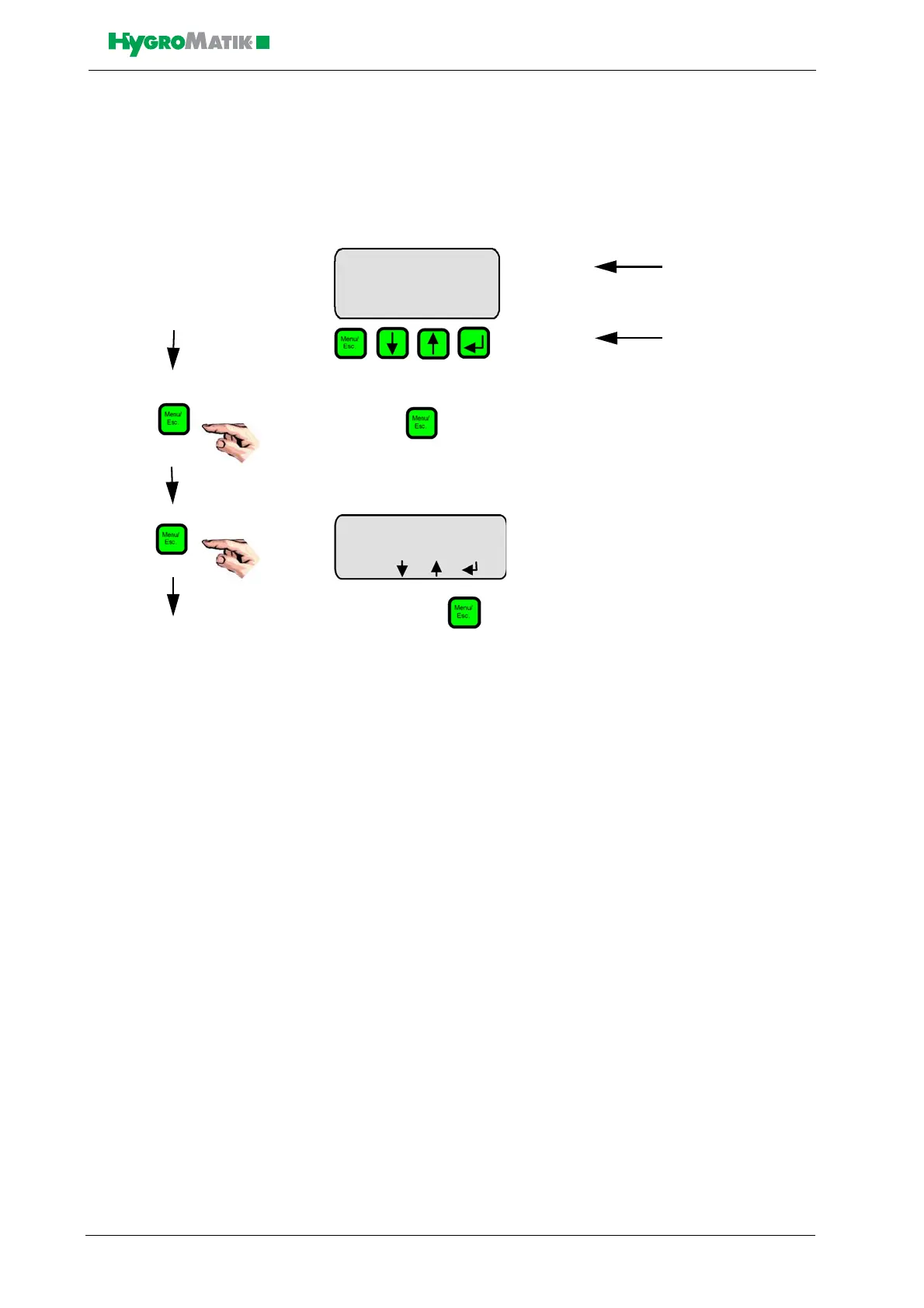
After switching on the steam humidifier, the user is placed in user
mode. The display shows the following:
When the key is pressed, the software key “°C” is activated and
the following display appears:
By pressing the key again, the software key “Menu” is activated
and the user accesses Operating Mode.
The sections below describe the configuration of the software menu,
navigation through the menus, as well as display values, parameters
and system functions.
Steam Bath L
41,5 °C
°C f E L
Steam Bath
41,5 °C
45,0 °C
Menu














 To Next Page