Page 39
Modifying set Temperature Value (G2)
Note: The temperature may be modified in increments of 1°K in the
main menu.
Example: The desired temperature value should be reduced from 45
°C to 42 °C.
To do this, proceed as follows:
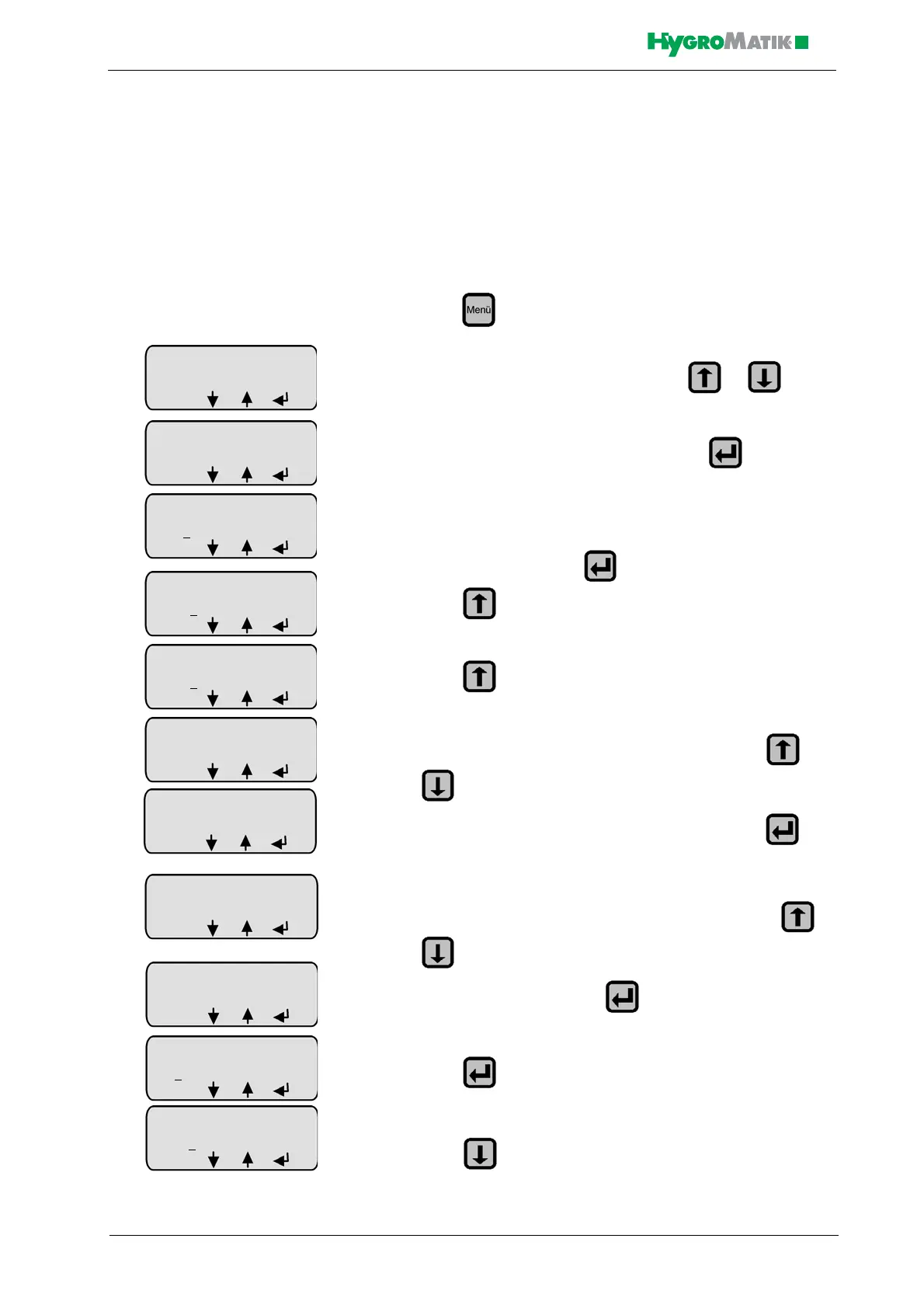
» press in Operating Mode
» select “Parameter Settings” menu with or
» enter the “Parameter Settings” menu with
» the access code (P0=010) to the advanced customer level
must be entered; press
» press
» press
» select the “Steam Bath Parameters” submenu with or
» enter the “Steam Bath Parameters” submenu with
» select Parameter G2 “Steam Bath °C Set Value” with or
» enable Parameter G2 with
» press twice to move the cursor under the third digit
»
» press three times to reduce the value from 5 to 2
Steam Bath Mode
D0: without Status
ESC
Steam Bath
°C Set Value
G2: 45 °C
ESC
Steam Bath
°C Set Value
G2: 0
45 °C
ESC
Steam Bath
°C Set Value
G2: 045
°C
ESC














 To Next Page