66 © 2012 Installation and Reference Manual D0125 Rev. H
Appendix — SlideDriver Wheel Change
NOTE: Instructions written for installing wheels with retaining collars. For wheels without collars skip steps 2, 6, 7 and 12.
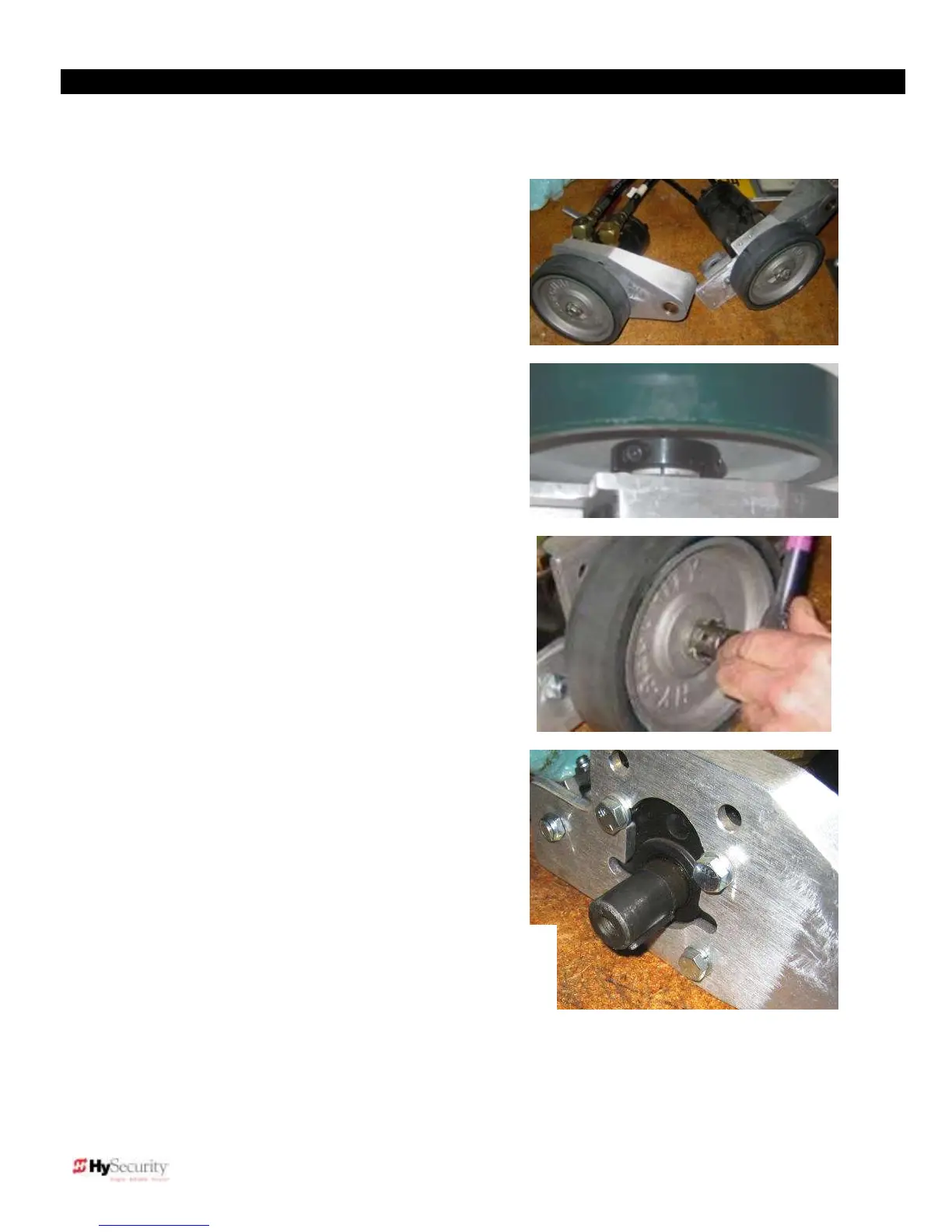
1. Remove drive wheel assembly from
SlideDriver.
2. If the old wheel is equipped with a
locking collar, loosen the two 3/16-inch
Allen head bolts holding the clamp.
(Requires a wrench at least 4-inches
long for the 8-inch wheels).
3. Remove the bolt and drive wheel. A
wheel puller or other mechanical
means may be required to slide the
wheel off the motor shaft. Remove the
old clamp (if any).
4. Clean any debris from the shaft (an
emery cloth works well) and replace
the motor shaft key with the key
included in the installation kit.











 To Next Page