 To Next Page
A
Alexandria MooreSep 5, 2025
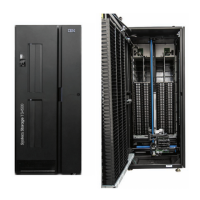
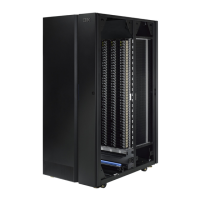
What to do if I can't remove a cartridge from the storage slot in my IBM TS4300 3555 Storage?
- EEmily StevensonSep 5, 2025
If you're having trouble removing a cartridge from the storage slot of your IBM Storage, try these steps: 1. Unlock the magazine and extend it to access the storage slot. 2. Grasp the cartridge and remove it. Some tapes may need to be inserted and removed several times to condition them for free movement. 3. Check the bar code label to ensure it's secure to the cartridge. 4. Inspect the cartridge for any damage.
 General