3
ADVANCED OPERATION
3-2
Previous view
D Autodial
A user can quickly send DTMF tones that have been
pre-entered into the transceiver�
<For the Simple key and Ten-key types>
1� Push [CH Up] or [CH Down] to select a channel�
2� Push [DTMF Autodial] to enter the DTMF Autodial
List selection mode�
3� Push [CH Up] or [CH Down] to select a DTMF
Memory, then push
[DTMF Autodial] to send the
DTMF code�
• After sending, automatically returns to the standby
screen�
<For the Non-display type>
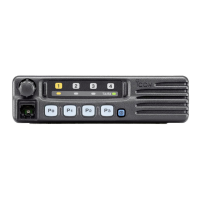
z Push [DTMF Autodial] to send the preset DTMF
code No�1�
NOTE: You can also send a DTMF code even when
transmitting a call�
DTMF calls



 To Next Page
 Loading...