5
NXDN™ OPERATION
5-8
Previous view
D Transmitting a Call Alert call
A Call Alert call enables you to notify another user
who may be away from the transceiver that you want
to talk�
1� Push [Digital Button] to enter the Application
selection mode�
• According to the current call type, “INDIV” (Individual
call) or “GROUP” (Group call) is briey displayed, and
then “VOICE” is displayed�
L If you want to change the call type, hold down [Digital
Button] for 1 second in the Standby mode�
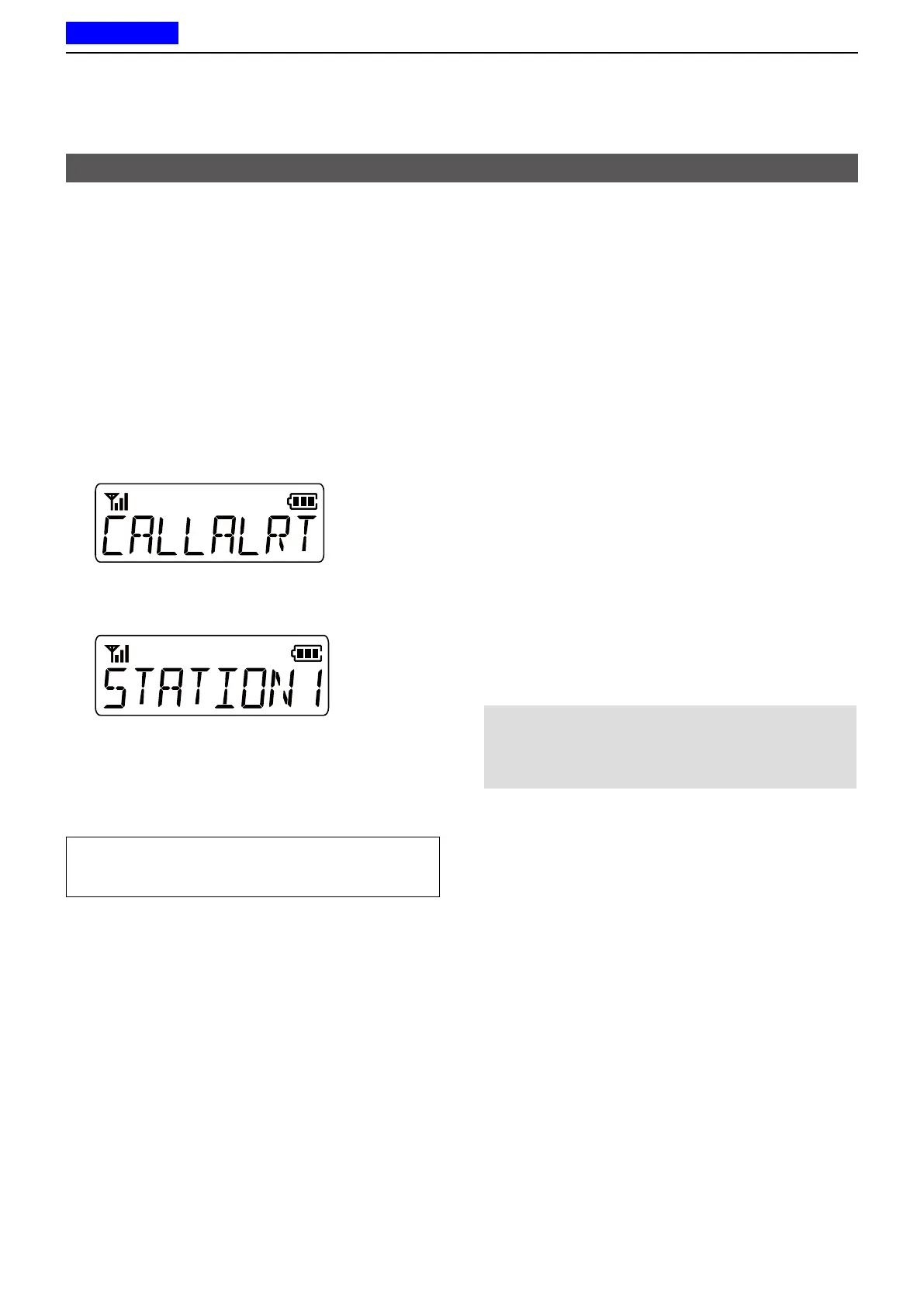
2� Push [CH Up] or [CH Down] to select
“CALLALRT,” and then push [Digital Button]�
3� Push [CH Up] or [CH Down] to select an Individual
station or a Group�
4� Push [PTT] to transmit a Call Alert call�
• “CA OK” is displayed when an acknowledgment is
received from the targeted station�
• “CA FAIL ” is displayed if an acknowledgment is not
received from the targeted station�
TIP:
Hold down [Call Alert] for 1 second to transmit the
Call Alert call�
Transmitting a call
D Transmitting an Emergency call
An NXDN Emergency call can be transmitted in
the same way as the 2-Tone, 5-Tone, or MDC 1200
signaling operation� See “Emergency call” for details�
(pp� 3-3 ~ 3-6)
D Transmitting Position data
When the GPS function is ON, and the optional
HM-171GPW gps speaker microphone receives
Position data, the longitude and latitude data can be
automatically transmitted:
• When a GPS request status message is received�
• At the preset interval�
L Set the Auto to “Enable�”
L Set the Interval Timer [mm:ss]�
• After sending a voice message�
L Set the Send with Login and Send with Logoff to
“Enable�”
• After sending a Status Message�
L Set the Send with Status Call to “Enable�”
• After sending a Call Alert�
L Set the Send with Call Alert to “Enable�”
• After sending an Emergency call�
L Set the Send with Emergency to “Enable�”
NOTE: To transmit position data, the settings above
are required using the CS-F2100D programming
software.
(GPS > Setting)



 To Next Page
 Loading...