5
NXDN™ OPERATION
5-9
Previous view
<For the Simple key and Ten-key types>
The transceiver saves a log of the received Individual
calls, Call Alert calls, Status Messages, and Messages
in the memory, depending on the presetting�
Up to 10 received calls can be saved, and the oldest
log is deleted when an 11th call is received� However,
once the transceiver is turned OFF, the all records are
deleted�
D Displaying the Call log
1� Push [Digital Button] to enter the Application
selection mode�
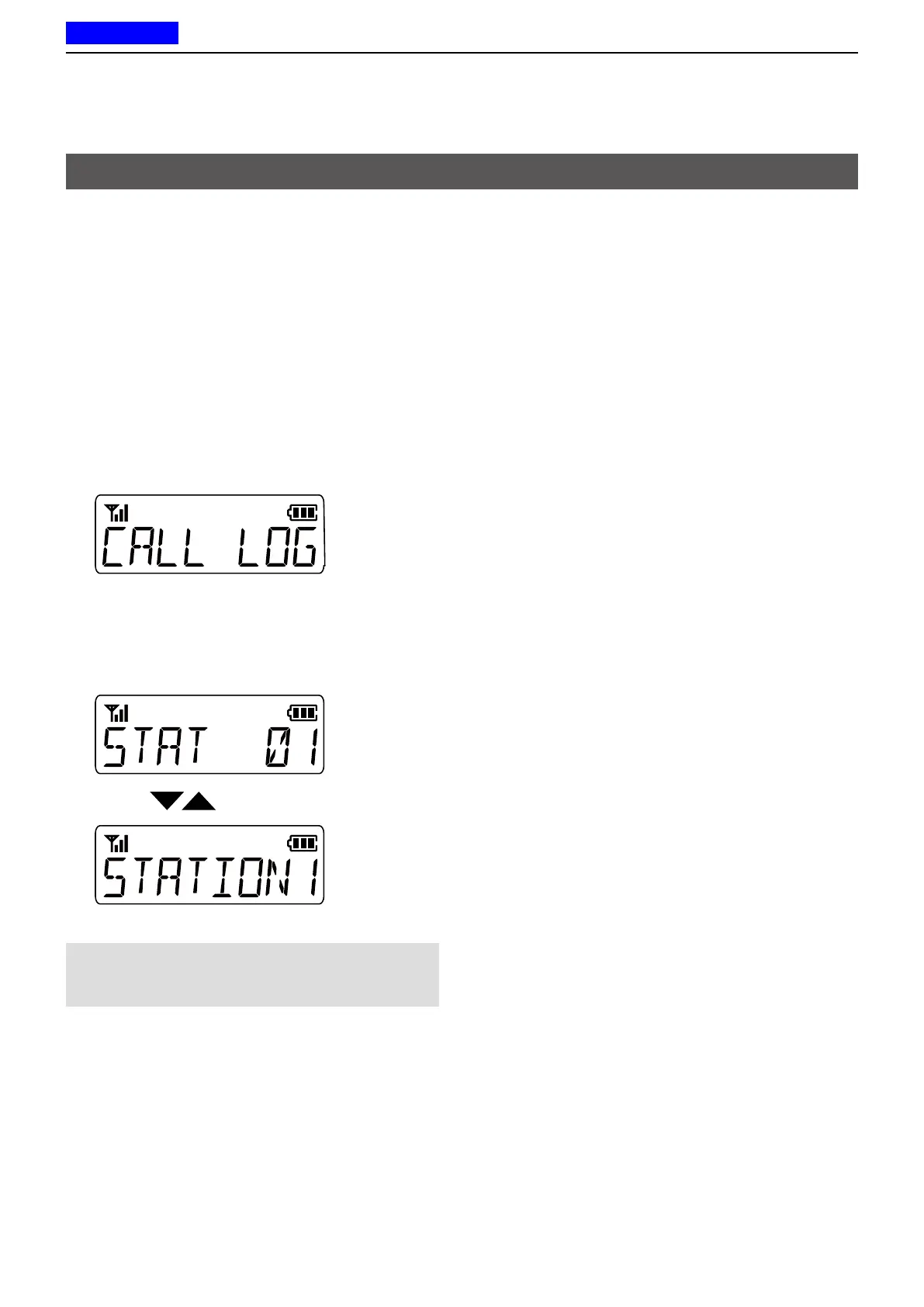
2� Push [CH Up] or [CH Down] to select “CALL
LOG”, and then
push [Digital Button]�
3� Push [CH Up] or [CH Down] to select the Log
then
push [Digital Button]�
• The Station Name or ID and the received call type,
Status Message, or Message of the latest received call
are alternately displayed�
NOTE: To save the call log, set the Call Log settings
using the CS-F2100D programming software.
(Digital > Option > Call Log)
Call log



 To Next Page
 Loading...