5
NXDN™ OPERATION
5-3
Previous view
D Receiving an Individual call
When an Individual call is received:
• Mute is released�
• The Status indicator lights green�
• The calling station name (or ID) is displayed while
receiving the signal�*
1� Hold down [PTT] to speak�
2� Release [PTT] to receive�
D Receiving a Group call
When a Group call is received:
• Mute is released�
• The Status indicator lights green�
• The Group name and the calling station name (or ID)
are alternately displayed while receiving the call�
L When an All Call is received, “All Call” is displayed�*
In that case, you cannot reply to it�
1� Hold down [PTT] to speak�
2� Release [PTT] to receive�
D Receiving a Status message
When a Status message is received:
• Beeps sound�
• The Status message and the calling station or Group
name (or ID) are alternately displayed�*
• “ ” may be displayed or blink, depending on the
presetting�*
• The Status Indicator may blink orange once or twice,
depending on the presetting�
Push [PTT] or any key to stop the display indication�
D Receiving a Message
When a Message is received:
• Beeps sound�
• The Message and the calling station or Group name
(or ID) are alternately displayed�
• “ ” may be displayed or blink, depending on the
presetting�*
• The Status Indicator may blink orange once or twice,
depending on the presetting�
Push [PTT] or any key to stop the display indication�
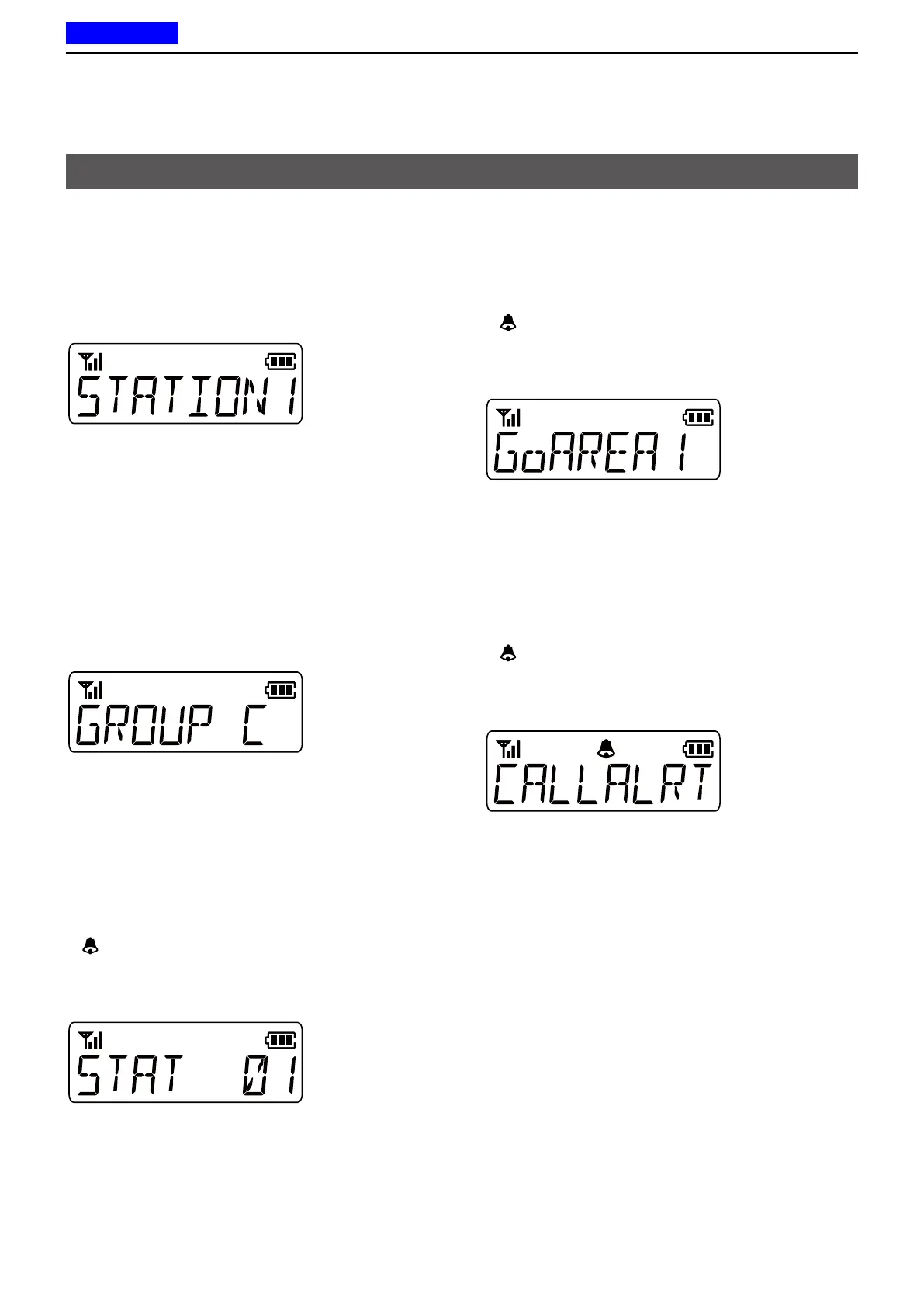
D Receiving a Call Alert call
When a Call Alert call is received:
• Beeps sound�
• “CALLALRT” and the calling station or Group name
(or ID) are alternately displayed�*
• “ ” may be displayed or blink, depending on the
presetting�*
• The Status Indicator may blink orange once or twice,
depending on the presetting�
1� Hold down [PTT] to speak�
2� Release [PTT] to receive�
D Receiving a Radio Check call
When a Radio check command is received,
the transceiver automatically transmits an
acknowledgment call� The RAN code matching may
not be necessary, depending on the presetting�
D Receiving a Remote Monitor call
When a Remote monitor call is received, the
microphone audio is automatically transmitted for a
set time period� The RAN code matching may not be
necessary, depending on the presetting�
Receiving a call
* For the Simple key and Ten-key types� The message may
differ, depending on the presetting�



 To Next Page
 Loading...