5
NXDN™ OPERATION
5-5
Previous view
NXDN operation enables you to make a call to a
specic station (Individual call) or to a particular group
(Group call)� Other digital mode transceivers on the
channel will not receive a call that does not match
their Individual or Group ID and/or Radio Access
Number (RAN) code�
D Transmitting an Individual or a Group call
<For the Simple key and Ten-key types>
1� Push [Digital Button] to enter the Application
selection mode�
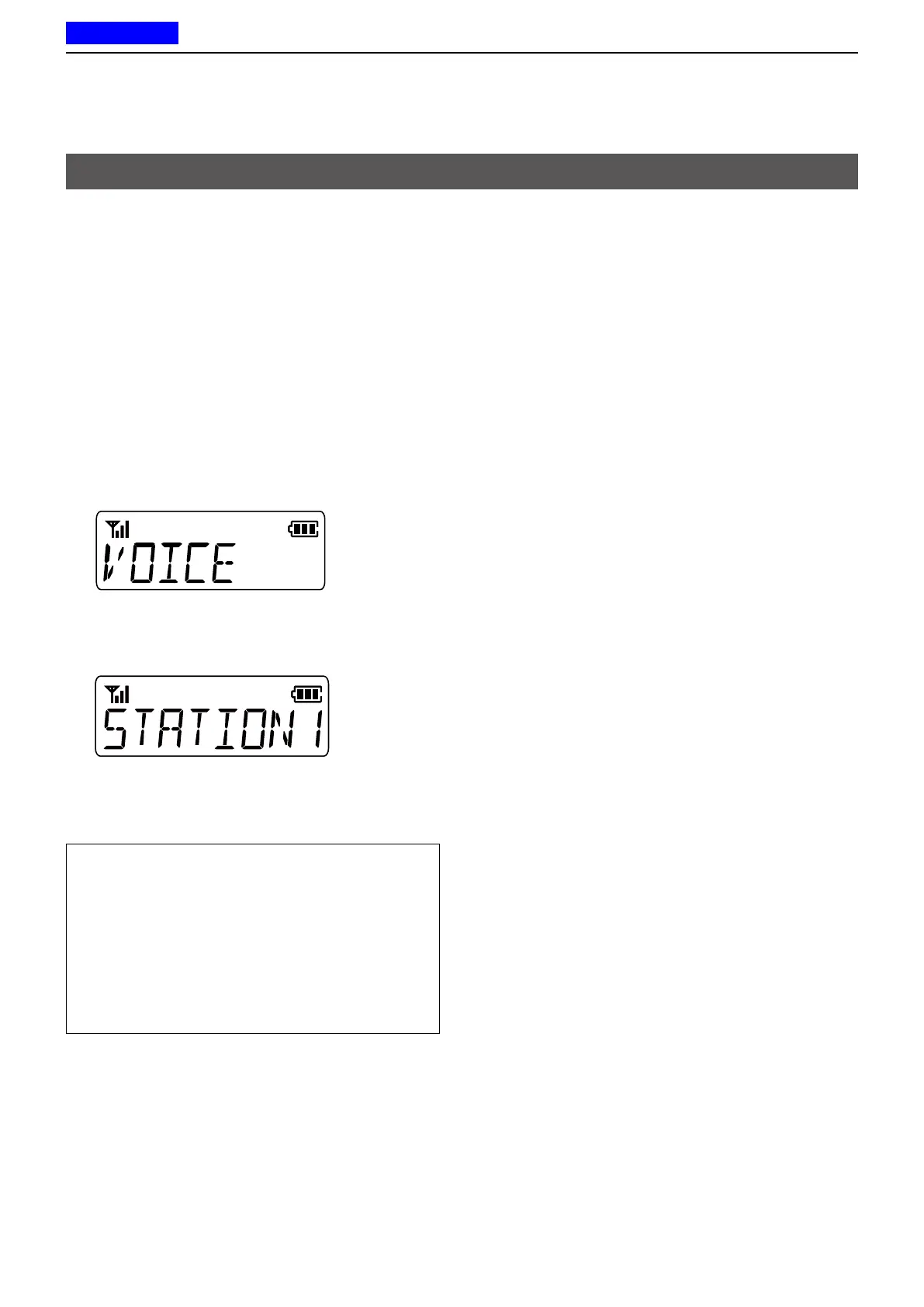
• According to the current call type, “INDIV” (Individual
call) or “GROUP” (Group call) is briey displayed, and
then “VOICE” is displayed�
L If you want to change the call type, hold down [Digital
Button] for 1 second in the Standby mode�
2� Push [Digital Button] to select voice call�
3� Push [CH Up] or [CH Down] to select an Individual
station or a Group�
4� Push [PTT] to transmit a call�
5� Hold down [PTT] to speak�
6� Release [PTT] to receive�
TIP:
• You can also directly enter the Individual station
(or Group) selection mode by pushing [Call List
Select], depending on the presetting�
• When an Individual ID is set in the Memory CH,
you can transmit the Individual call by pushing
[PTT] on the channel�
• For the Ten-key type, you can also push a numeric
key to select the preset Individual station or Group,
depending on the presetting�
<For the Non-display type>
1� Rotate [Rotary Selector] to select a preset
Individual station or Group�
2� Push [PTT] to transmit a call�
3� Hold down [PTT] to speak�
4� Release [PTT] to receive�
Transmitting a call



 To Next Page
 Loading...