4
USER SET MODE
4-2
Previous view
<For the Simple key and Ten-key types>
The user can enter the “User Set Mode” to customize
certain transceiver setting without using the
programming software�
<For the Non-display type>
The user can also customize the Beep function, Beep
level, the Ringer level, the microphone gain, the VOX
function, the VOX gain and the squelch level�
See pages 4-6 to 4-7 for detailed settings�
User Set Mode description
D Operation in the User set mode
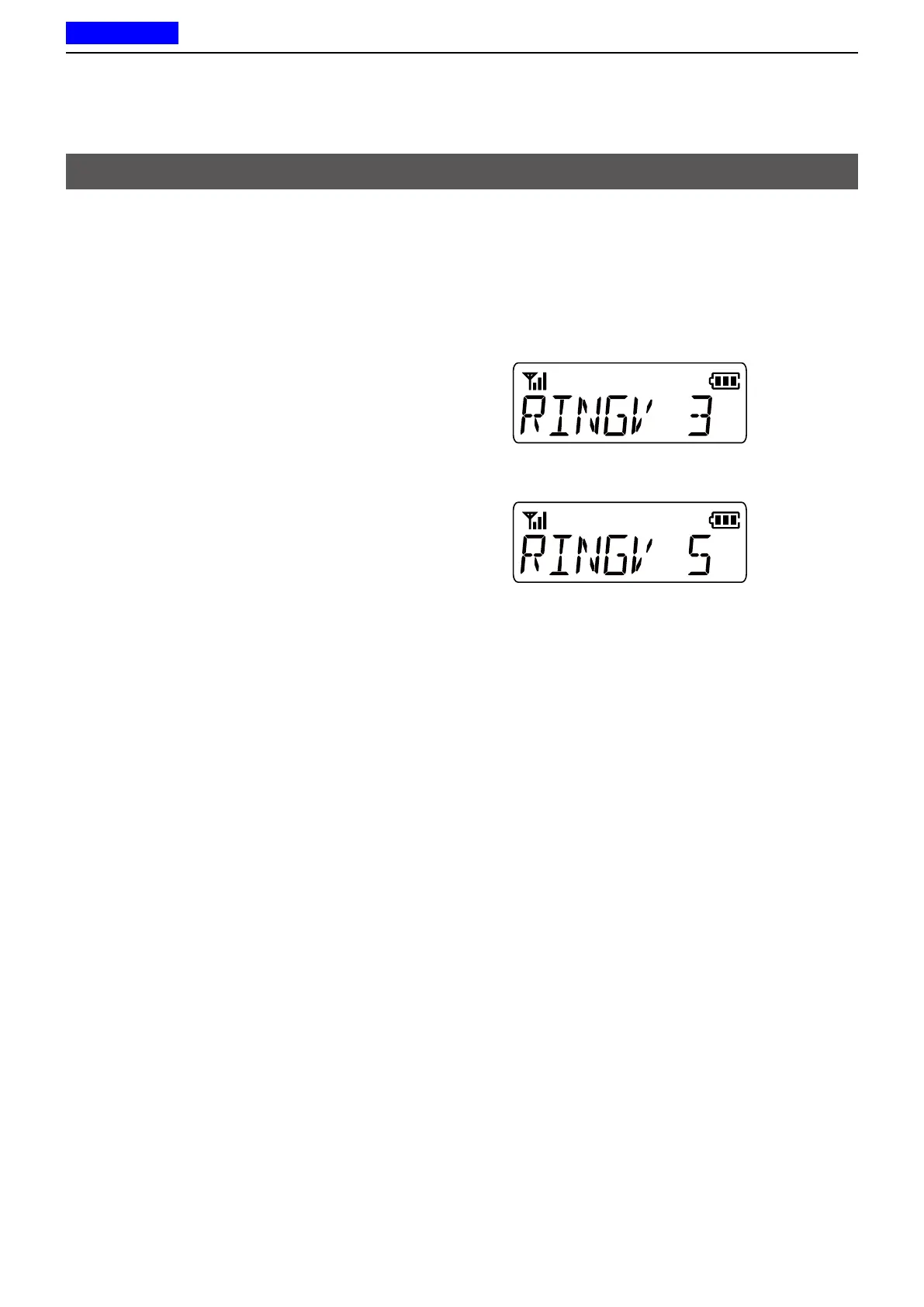
Example: Changing the Ringer level 3 to 5�
1� Hold down [User Set Mode] for 1 second to enter
the User set mode�
2� Push [User Set Mode] to select an item�
(Example: Selecting Ringer (RINGV))
3� Push [CH Up] or [CH Down] to select an option�
(Example: Selecting Level 5)
• The selected option is automatically set�
4� Hold down [User Set Mode] for 1 second to return
to the Standby screen�



 To Next Page
 Loading...