35
6
DSC OPERATION
6
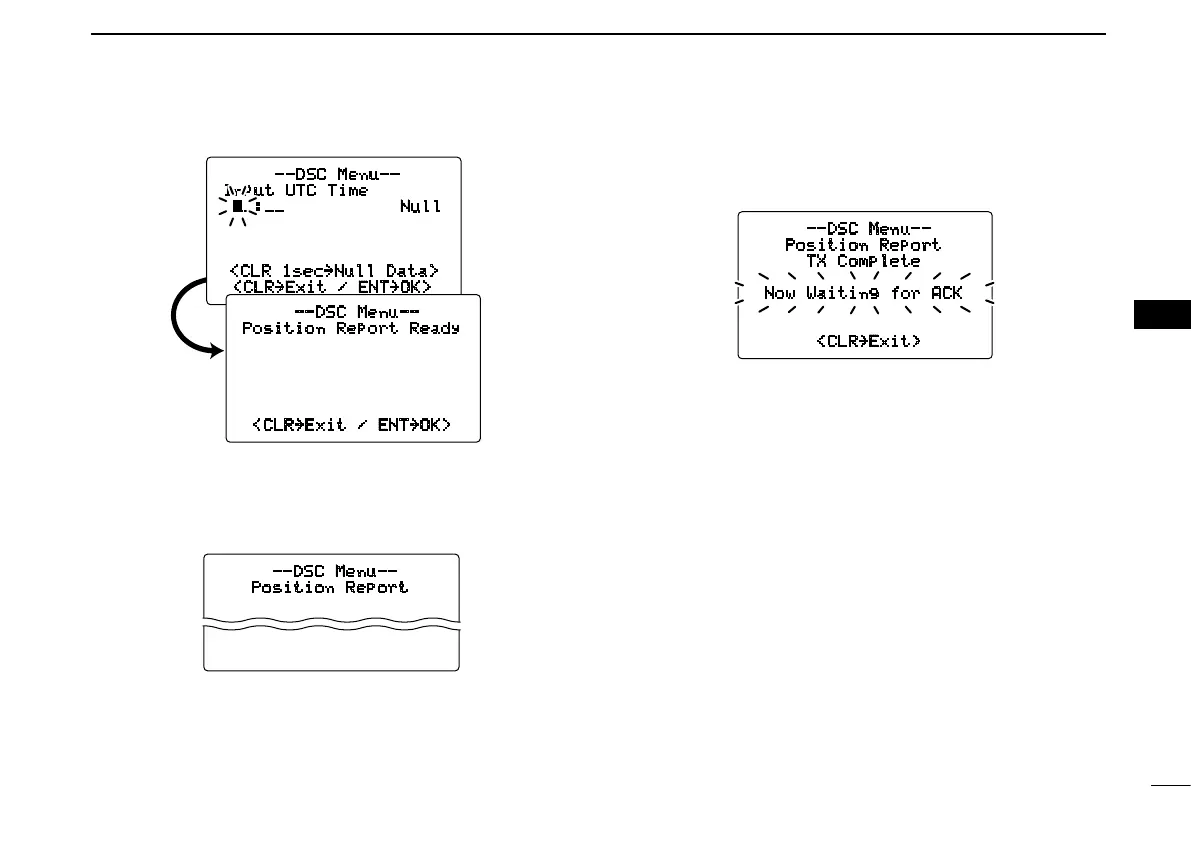
--DSC Menu--
Input UTC Time
__:__ Null
<CLR 1sec
˘
Null Data>
<CLR
˘
Exit / ENT
˘
OK>
--DSC Menu--
Position Report Ready
<CLR˘Exit / ENT˘OK>
y Push [CHANNEL•ENTER] to transmit the position report
call.
•IfChannel70isbusy,thetransceiverstandsbyuntilthechan-
nel becomes clear.
--DSC Menu--
Position Report
Transmitting
u After the position report call has been transmitted, the fol-
lowing indication is displayed.
--DSC Menu--
Position Report
TX Complete
Now Waiting for ACK
<CLR˘Exit>
i Push [CLR] to return to the previous indication before en-
tering the DSC menu.
•Evenif[CLR] hasn’t been pushed, the display automatically
returns to the previous indication after 2 sec. of inactivity.



 To Next Page