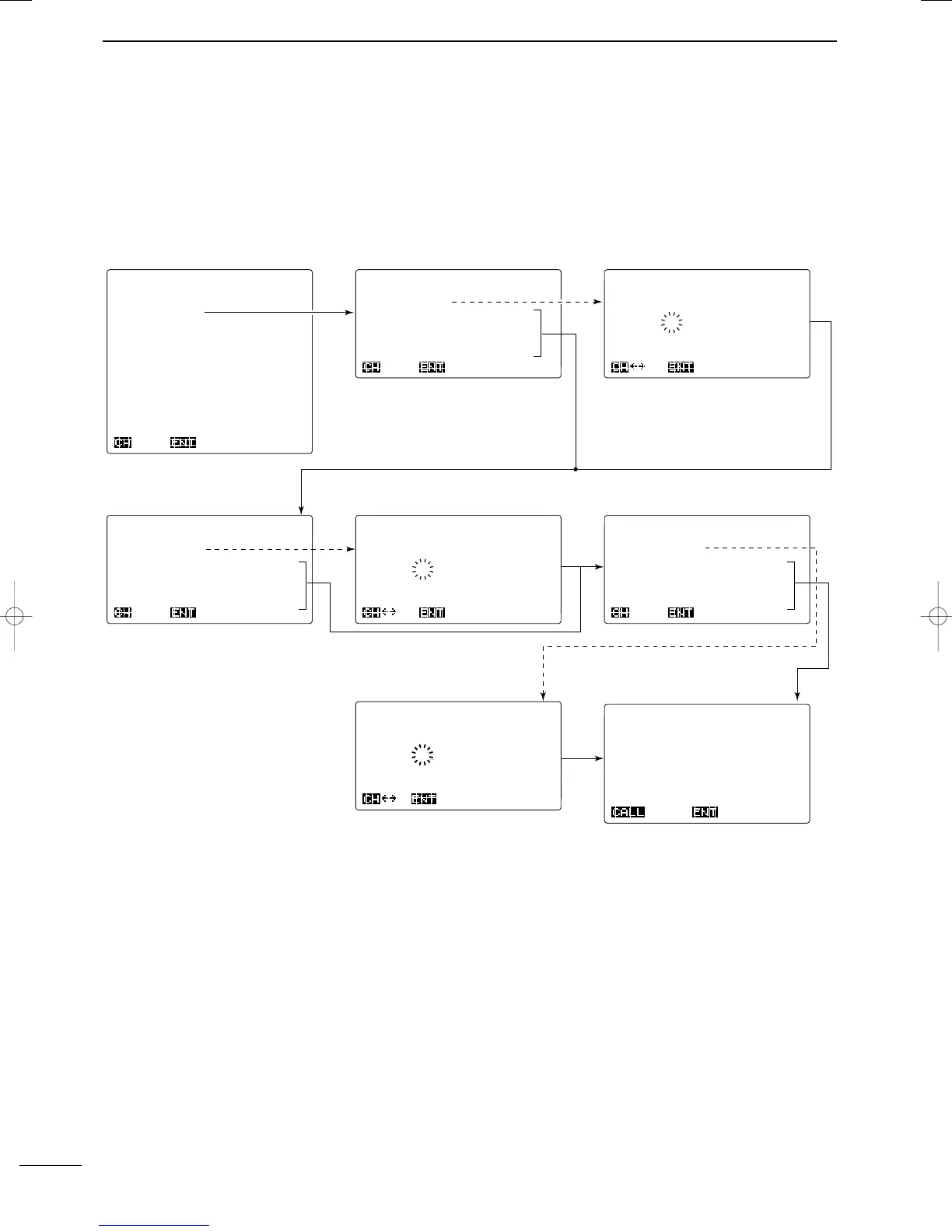
form as follows.
******
Individual
******
------
Address
ID
------
†
________
OK
*******
DSC
MENU
*******
--------
Select
--------
Position
Individual
Group
Geographical
Distress
Distress
RLY
Semi/Auto
Test
RX
memory
TX
memory
Set
up
Self
test
Exit
Ç
Ç
OKSEL
******
Individual
******
------
Address
ID
------
Manual
set
IC-M801-1
123456789
IC-M801-2
123456788
IC-M801-3
123456787
IC-M801-4
123456786
IC-M801-5
123456785
Ç
OKSEL
******
Individual
******
----
Call
frequency
----
Manual
set
T:
2177.0kHz
SHIP
R:
2177.0kHz
T:
2189.5kHz
INTER2-1
R:
2177.0kHz
Ç
OKSEL
******
Individual
******
---------
Call
---------
To:IC-M801_1
Category:Routine
Traffic:J3E
TX
2134.0kHz
RX
2134.0kHz
Call
Freq:TX
2177.0kHz
RX
2177.0kHz
Write-Menu
Call
******
Individual
******
--
Traffic
frequency
---
Manual
set
T:
2134.0kHz
IC-M801-1
R:
2134.0kHz
T:12345.0kHz
IC-M801-2
R:12345.0kHz
Ç
OKSEL
******
Individual
******
----
Call
frequency
----
TX:
†
2177.0kHz
RX:_2177.0kHz
OK
******
Individual
******
--
Traffic
frequency
---
TX:_2134.0kHz
RX:_2134.0kHz
OK
DSC menu Address ID selection Manual ID input
Call frequency selection 1
Confirmation screen
D Operation outline
Push [CALL] for 1 sec. to start calling.
Push [ENT] for 1 sec. to store the con-
dition into the TX memory channel.
Traffic frequency selection 2Traffic frequency selection 1
Call frequency selection 2



 To Next Page