PRT-CTRL-SE Protege SE Integrated System Controller Installation Manual | June 2017 25
Each zone input can use a different input configuration. To program a large number of zones with a certain
configuration use the multiple selection feature in the Protege System Management Suite application.
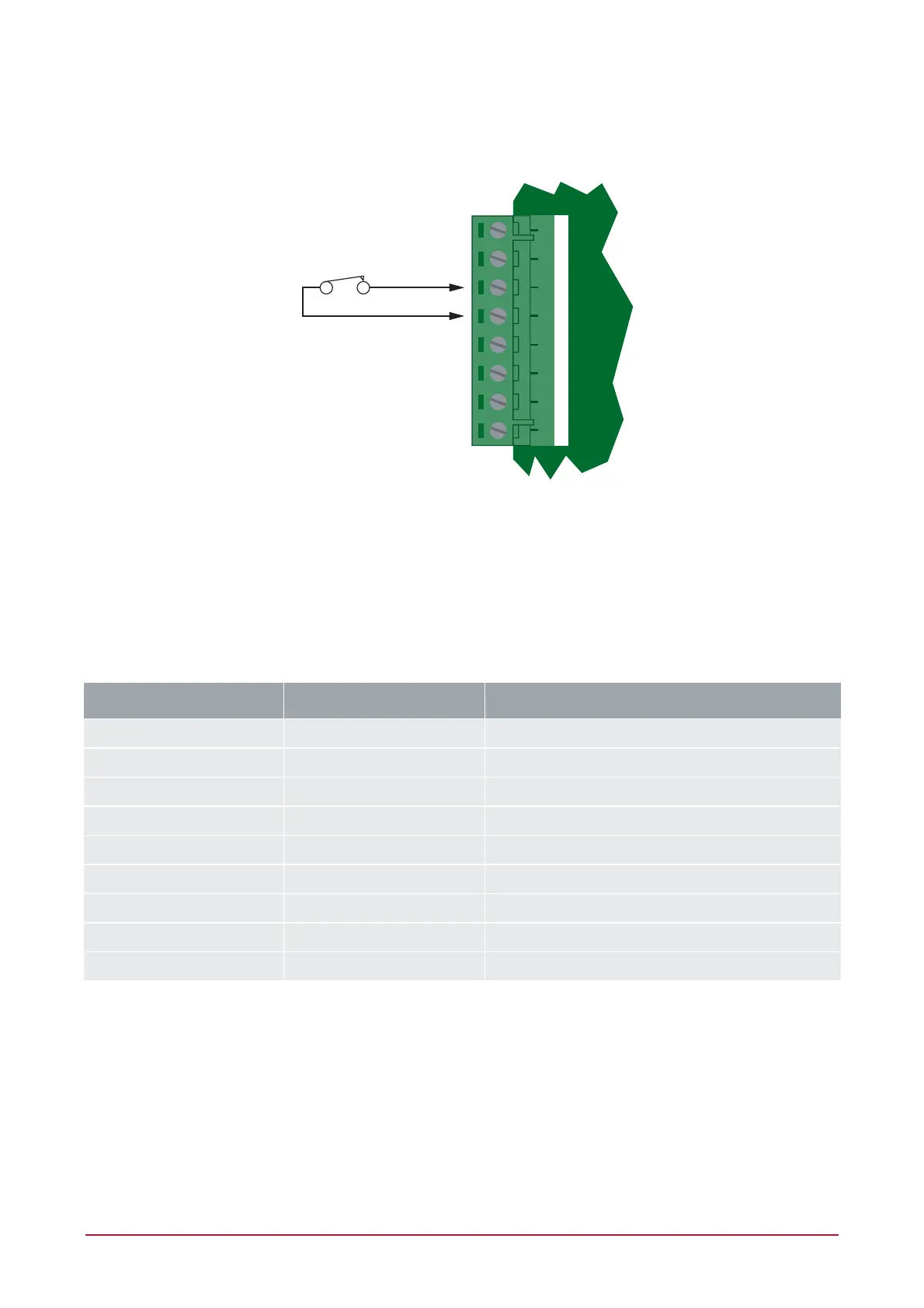
When using the No Resistor configuration, the Controller only monitors the opened and closed state of the
connected input device generating the alarm and seal conditions.
+AUX- Z1 COM COMZ2 Z3 Z4
N.C Zone Contact
No EOL Resistor Zone Configuration
6.2 Resistor Value Options
When using the EOL resistor configuration, the EOL resistor option must be configured based on the site
requirements. Note that not all resistor options are supported on all Protege field modules. (Refer to Zones
Section in the Protege Reference Manual).
Value 1 Value 2 Monitored Status
1K - Open, Closed
<5K7 - Open, Closed
No Resistors - Open, Closed
1K 1K Open, Closed, Tamper, Short
6K8 2K2 Open, Closed, Tamper, Short
10K 10K Open, Closed, Tamper, Short
2K2 2K2 Open, Closed, Tamper, Short
4K7 2K2 Open, Closed, Tamper, Short
4K7 4K7 Open, Closed, Tamper, Short



 To Next Page