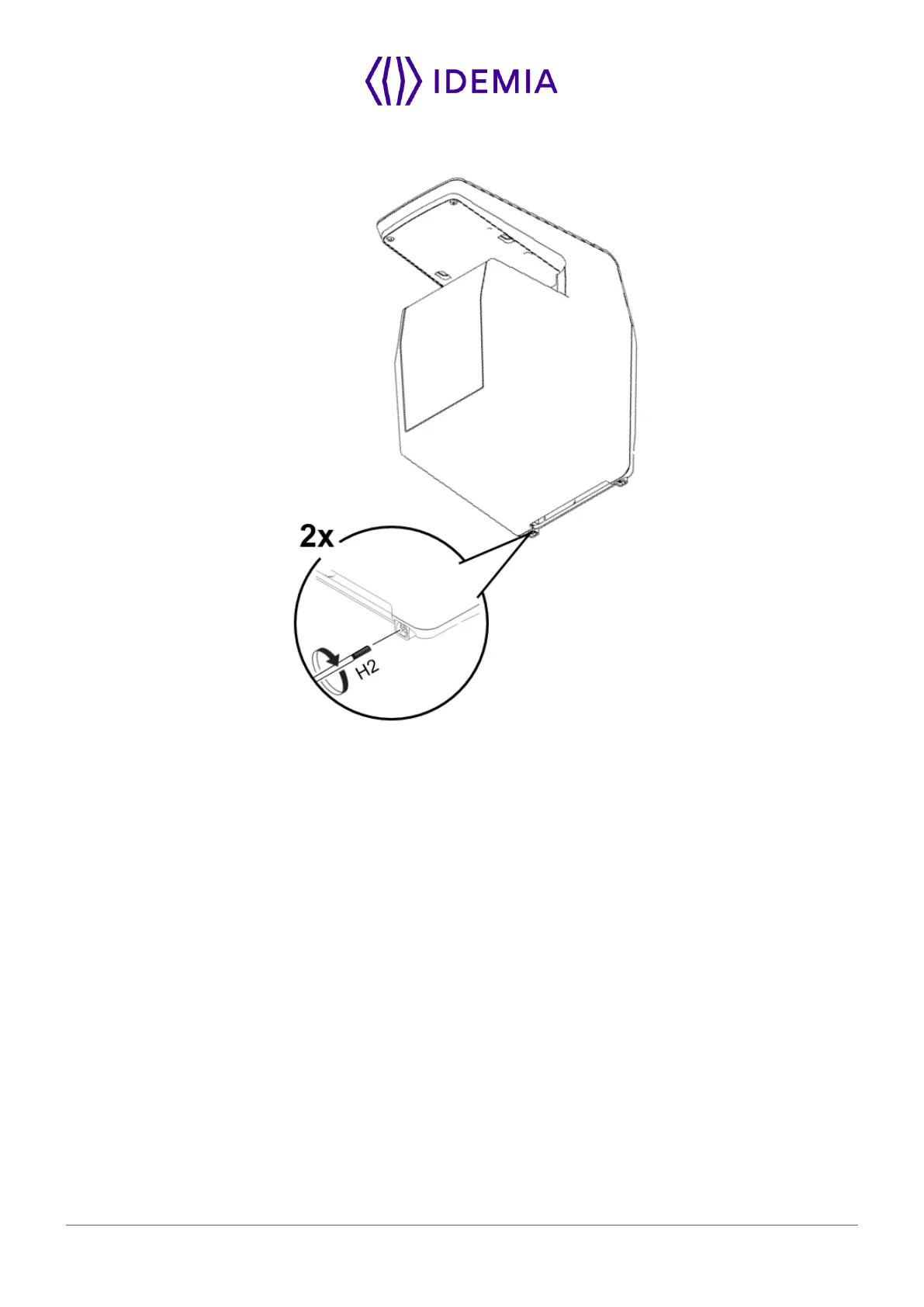
Then to secure the device on the plate, attach the last screws on the bottom of the device:
Figure 19: Locking the product
The hardware installation of the product on the wall is complete!
Power can be switched ON just after closing it. If the product has to be stored for a long time (more than
48 hours), don’t forget to restore its configuration before use.


 To Next Page