Please note that the date/time of the terminal is protected from power failure during at least 24 hours.
If the duration of the power failure or power down is longer, the date/time of the terminal will be lost.
Cleaning precautions
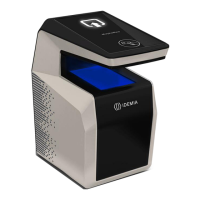
The use of a dry cloth is recommended to clean the terminal, especially the front face. It is
recommended that the product be cleaned daily to ensure the best performance level over its lifetime.
Disinfection and sanitization recommendations
1- Moisten a non-abrasive wipe (such as Economizer® Wipers or 3M Scotch-Brite® High
Performance Cloth) with the following disinfectants:
Windex® Multi-Surface Disinfectant or another similar product containing L-Lactic acid.
Hydrogen peroxide (< 3%)
2- Wipe the device’s surface and leave the surface wet with disinfectant for at least 5 minutes
Important notice:
The following practices permanently damage and/or negatively impact the performances of the device:
Do not use bleach or disinfectants containing aggressive substances such as chlorine, soda,
alcohol, quaternary ammonium etc
Do not spray directly on the biometric sensor or the casing of the terminal
Do not use abrasive cloths or wipes (e.g., paper towels)


 To Next Page