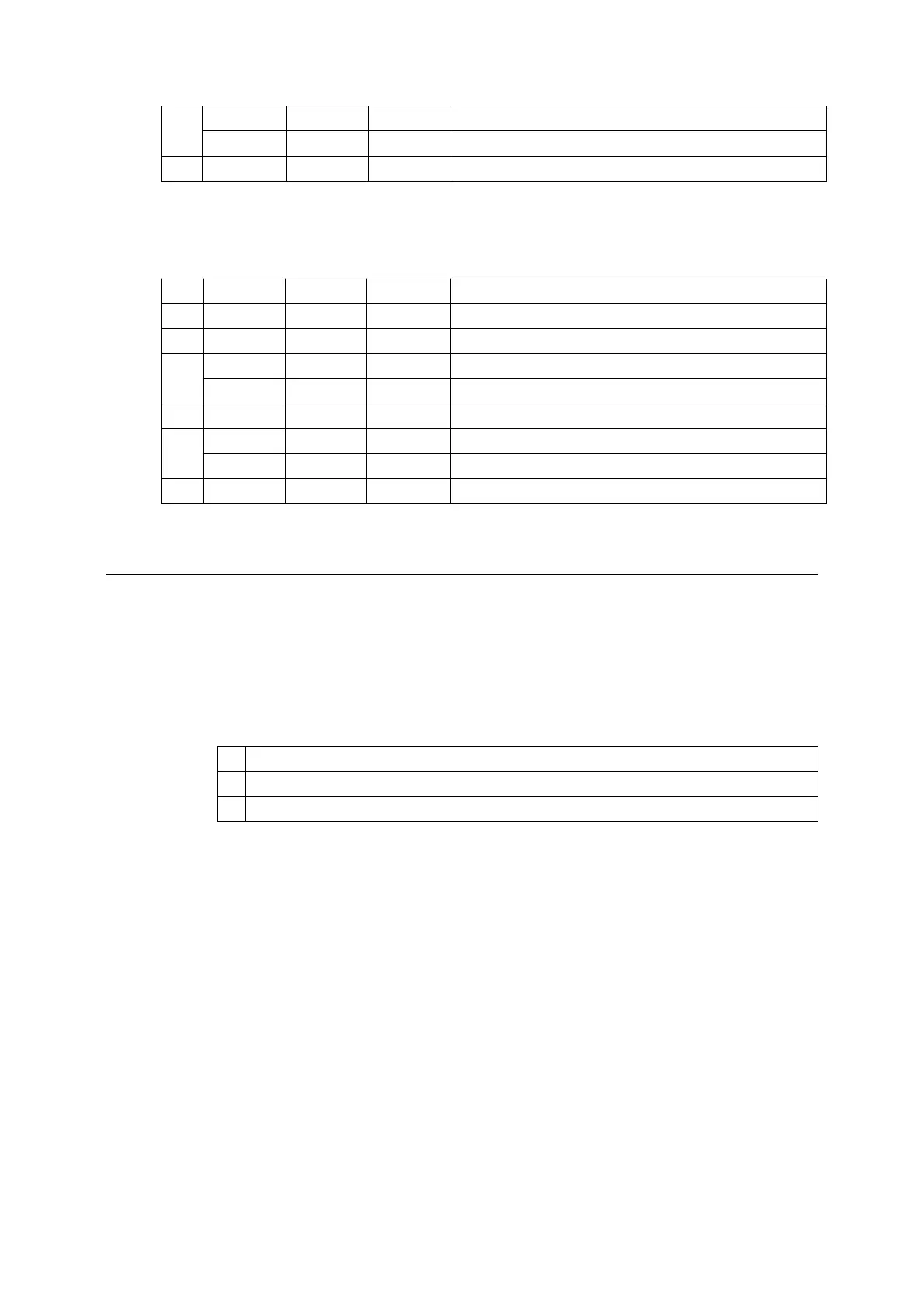
6 0 00 0 Normal print head temperature and voltage
1 40 64 Abnormal print head temperature and voltage
7 0 00 0 Fixed to “0”
n = 4: Continuous paper sensor status
Bit 0/1 Hex Decimal Function
0 0 00 0 Fixed to “0”.
1 1 02 2 Fixed to “1”.
2,3 0 00 0 Paper enough
1 0C 12 Paper near-end
4 1 10 16 Fixed to “1”.
5,6 0 00 0 Paper enough
1 60 96 Paper end
7 0 00 0 Fixed to “0”.
[Reference] DLE ENQ, GS a, GS r
7. DLE ENQ n
[Name] Real-time request to printer
[Format] ASCII DLE ENQ n
Hex 10 05 n
Decimal 16 5 n
[Range] 1
n
2
[Description] Responds to a request from the host computer. n specifies the requests as
follows:
n Request
1 Recover from an error and restart printing from the line where the error occurred
2 Recover from an error after clearing the receive and print buffers
[Details]
This command is effective only when an auto-cutter error occurs.
The printer starts processing data upon receiving this command under serial port.
With a parallel interface model, this command can not be executed when the
printer is busy.
This command should not be contained within another command that consists
of two or more bytes.
When the printer is disabled with ESC = (Select peripheral device), the error
recovery functions (DLE ENQ 1 and DLE ENQ 2) are enabled, and the other
functions are disabled.
When the pulse is output to the connector pin specified while ESC p or DEL
DC4 is executed while this command is processed, this command is ignored.
The printer executes this command upon receiving it under serial port.
With a parallel interface model, this command cannot be executed when the
printer is busy.
If print data includes the same character strings as this command, the printer


 To Next Page