Installation, Support, and Maintenance Guide 21
Evolution X7 Satellite Router
Removing and Replacing the Power Module
5.4 Removing and Replacing the Power Module
In the event the Power Module must be removed and/or replaced, Table 5-1 describes the
steps to take.
POWER LED OFF (No power) • Verify power connection
• Test power to determine if there is power to the power
module
• Reseat the Power Module by unscrewing the top chassis screw,
gently and firmly grasping the pull tab to extract the Power
Module, reseat Power Module, secure the screw (the Power
Module could have become loose from transportation or
movement)
POWER LED ON and not
functioning
Test power
Check other status LEDs. Compare LEDs to Table 3-1 on page 8.
48 V BUC not working Is the installer expecting 48V BUC power? If so:
• The correct BUC voltage (+24 or +48 VDC) must be selected
by sliding the BUC voltage selector switch (
Table 3-3,
X7 Router Rear Panel Connector and LED Descriptions on
page 11: Callout #8), 24 VDC BUC voltage selection is the
factory setting
• Check the model of power module: the model may not allow
48 V BUC power and check the barcodes for 48V BUC support
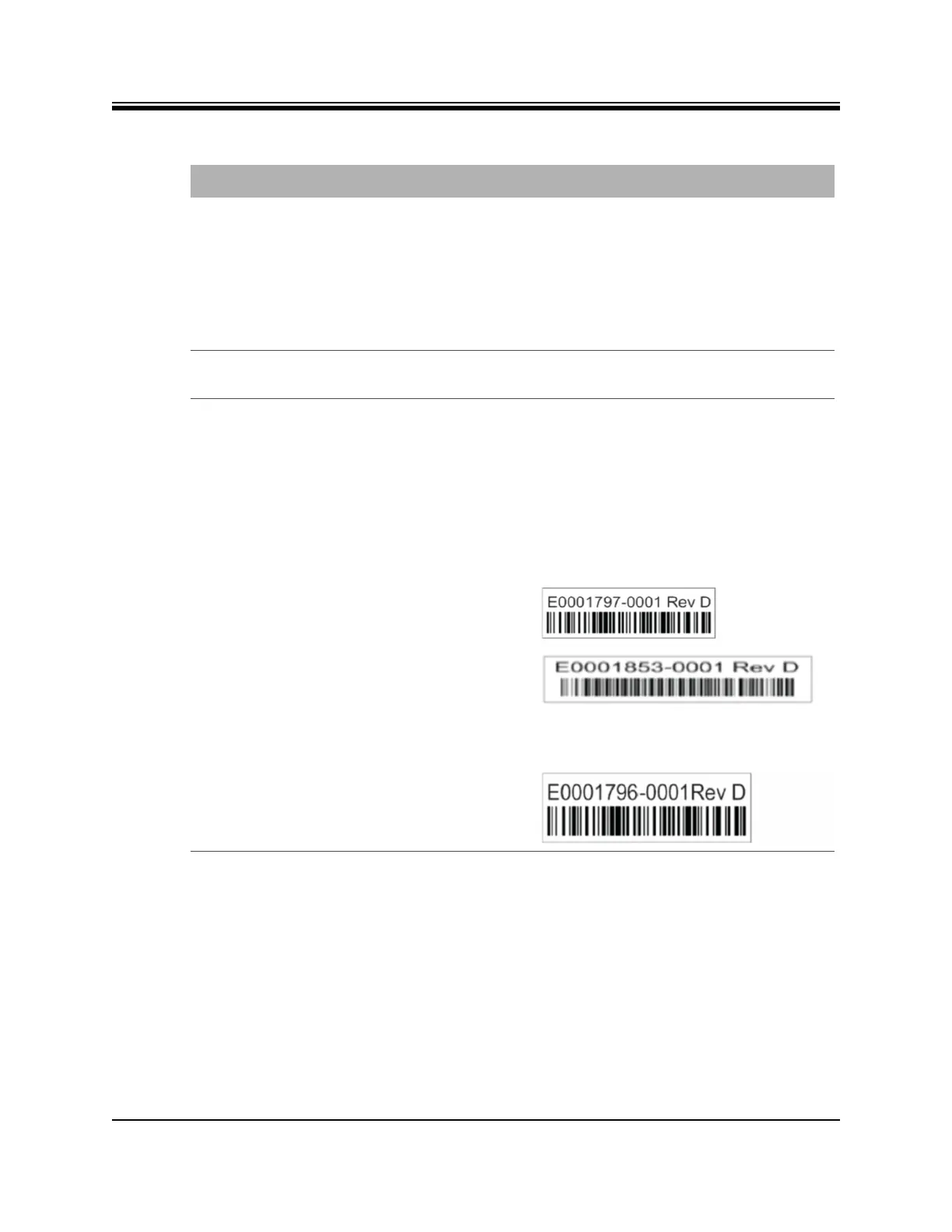
These barcodes on for Option 2 and Option 3 power modules
indicate SUPPORT for 48V BUC:
The Option 1 Power Module does not support a 48V BUC, and
has this barcode:
Table 5-1. Troubleshooting Events and Actions to Take (continued)
Event Action
Option 2
Option 3
Option 1



 To Next Page