93
ifm Programming Manual ecomatmobile BasicController (CR0403) Runtime System V03.02 2015-04-01
ifm function elements ifm function elements for the device CR0403
>
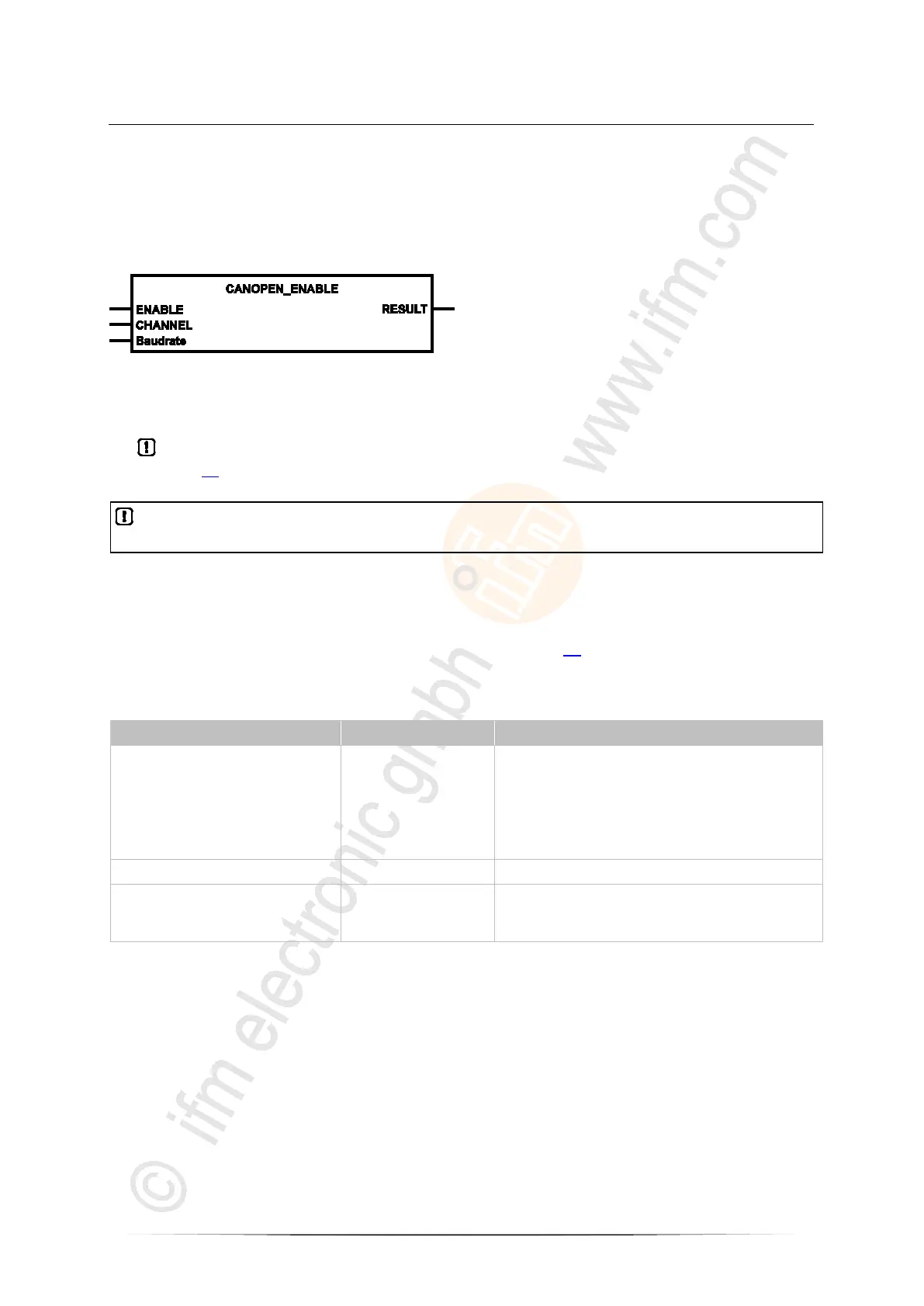
CANOPEN_ENABLE
7785
Unit type = function block (FB)
Unit is contained in the library ifm_CANopen_NT_Vxxyyzz.LIB
Symbol in CODESYS:
>
Description
7787
CANOPEN_ENABLE allows to switch the CANopen master on or off.
► In the application program always call an own instance of the FB CANOPEN_ENABLE
(→ page 93) for every CAN interface!
To avoid guarding or heartbeat errors the nodes must be "shut down" via an appropriate sequence
first.
If the master is restarted after a stop, all other connected nodes also have to be re-initialised.
Without CANOPEN_ENABLE, the CANopen master is started automatically, as far as this has been
selected in the configuration.
The configured baud rate is only adopted if CAN_ENABLE (→ page 67) has not been activated before.
>
Parameters of the inputs
7788
ENABLE BOOL := TRUE TRUE:
• Enable CANopen for the selected channel
• Start CANopen manager or CANopen device according to the
configuration settings
FALSE:
• Disable CANopen for the selected channel
• Terminate CANopen manager or CANopen device
CHANNEL BYTE CAN interface (1...n) depending on the device
Baud rate
(optional use of the parameter)
WORD := 0 Baud rate [kbits/s]
permissible values = 20, 50, 100, 125, 250, 500, 800, 1 000
0 = use setting from the PLC configuration



 To Next Page