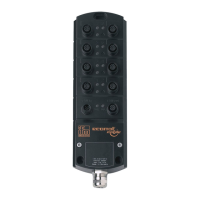
IO-Link Master with PROFINET Interface StandardLine 8 Ports IP 65 / IP 66 / IP 67
5 Mounting
Content
Mount the device ....................................................................................................................................12
34058
>
5.1 Mount the device
34059
► Disconnect the system from power before installation.
► For installation choose a flat mounting surface.
► Please observe the maximum tightening torque.
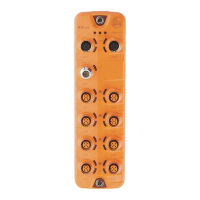
► Fix the unit to the mounting surface using 2 M5 mounting screws and washers.
Tightening torque: 1.8 Nm
► Ground the unit via the two mounting screws of the upper mounting lugs.


 To Next Page