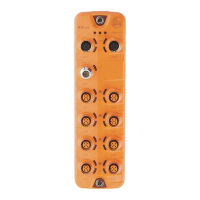
IO-Link Master with PROFINET Interface StandardLine 8 Ports IP 65 / IP 66 / IP 67
>
9.1.5 IO-Link ports: Activate data transfer to the LR SMARTOBSERVER
33690
The user can decide separately for each IO-Link port if the process data of the connected IO-Link
devices should be transferred to the LR SMARTOBSERVER.
To transfer process data the interfaces to the LR SMARTOBSERVER have to be correctly
configured (→ IoT: Configure the interface to the LR SMARTOBSERVER (→ S. 27)).
To activate / deactivate data transfer:
► Select [Port x] menu (x = 1...8).
> The menu page shows the current settings.
► Set the following parameters as required:
[Transmission to
LR SMARTOBSERVER]
Transfer of process data of the
connected IO-Link device to
LR SMARTOBSERVER
Process data is not transferred
Process data is transferred
► Save changed values on the device.


 To Next Page