IO-Link Master with PROFINET Interface StandardLine 8 Ports IP 65 / IP 66 / IP 67
>
9.2.1 Install GSD Files
52478
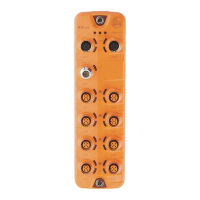
ifm provides a GSD file to integrate the AL1102 in the PROFINET projection software. All parameters,
process data and their valid value ranges are defined in the GSD file. The user can download the GSD
file from the ifm website (→ www.ifm.com)).
To add the IO-Link master to the hardware catalogue of the PROFINET projection software:
► Download the GSD file of the AL1102 from the ifm website.
► Launch the PROFINET projection software.
► Install the GSD file of the AL1102.
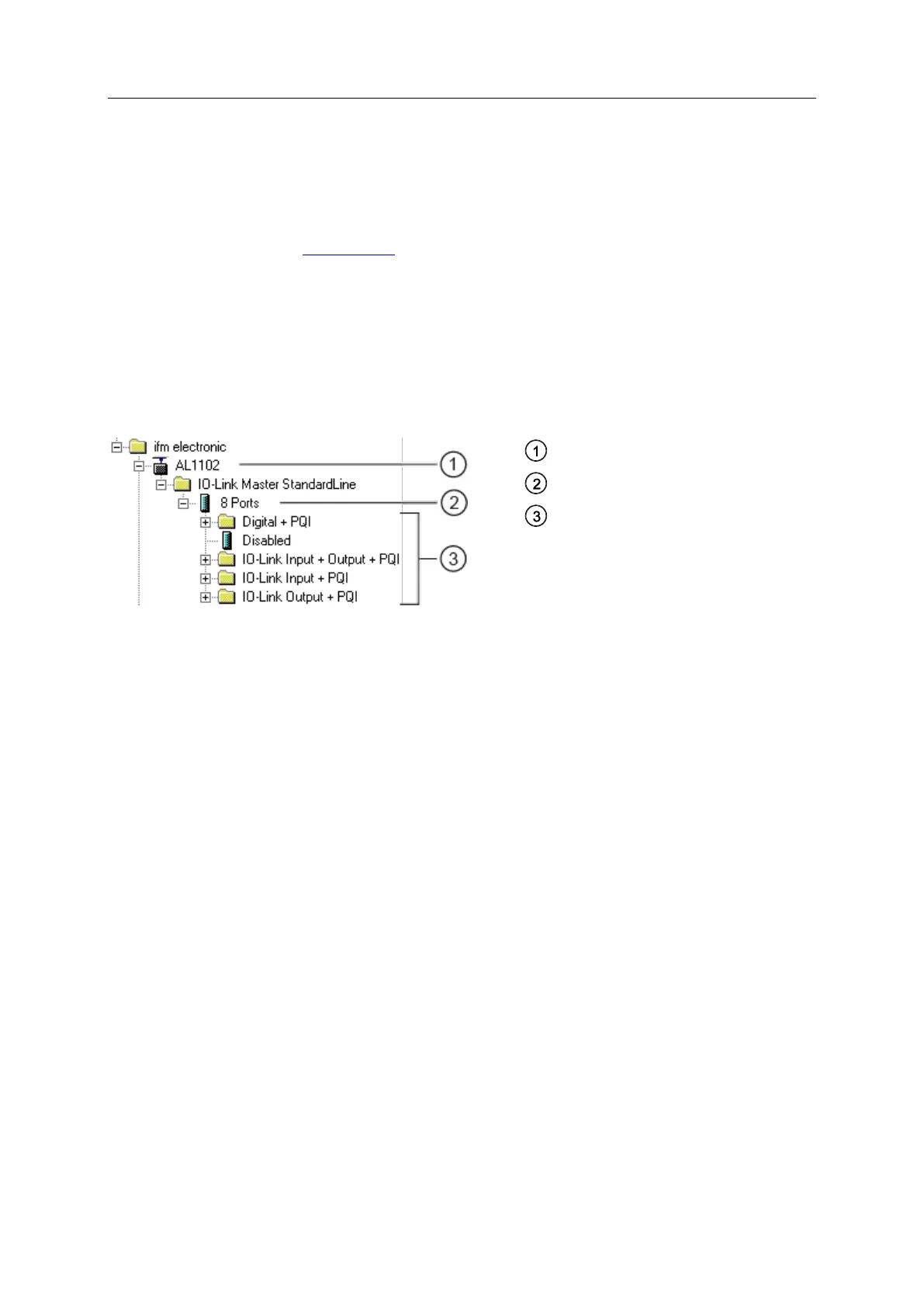
Once the GSD file is installed, the AL1102 is in the hardware catalogue in the following folder:
> [PROFINET IO] > [Addiotional Field Devices] > [IO] > [ifm electronic]


 To Next Page