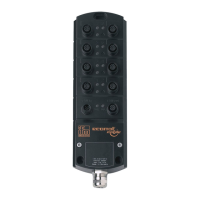
IO-Link Master with PROFINET Interface StandardLine 8 Ports IP 65 / IP 66 / IP 67
>
10.3 Replace IO-Link device
34182
To replace an IO-Link device:
Requirement:
> IO-Link device is with factory settings.
> IO-Link device supports IO-Link standard 1.1 or higher.
1 Set data storage
► Set the following parameters of the IO-Link port:
Validation and Data Storage = [Type compatible V1.1 device with Restore]
► Save changes.
2 Replace IO-Link device
► Disconnect old IO-Link device from IO-Link master.
► Connect new IO-Link device with the same IO-Link port of the AL1102.
> IO-Link master copies parameter values from the data memory to the new IO-Link device.


 To Next Page