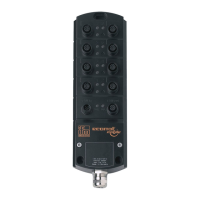
IO-Link Master with PROFINET Interface StandardLine 8 Ports IP 65 / IP 66 / IP 67
9.1.8 Firmware: Reset device to factory settings
33838
When the IO-Link master is reset, all parameters are set to the factory settings:
To reset the device to factory settings:
► Select [Firmware] menu.
> The menu page shows the current settings.
► Click on [Factory Reset] to reset the device.
> LR DEVICE sets the device to the factory settings.
>
9.1.9 Firmware: Reboot the device
33832
When rebooting the device, all settings are kept.
To restart the AL1102:
► Select [Firmware] menu.
> The menu page shows the current settings.
► Click on [Reboot] to reboot the device.
> LR DEVICE reboots the ifm IO-Link master.


 To Next Page