13
UK
4.8 Colour of the characters in the display
The colour of the characters in the display can be set via the parameter [coL�x]:
• Permanent definition of the display colour:
- bk/wh (black/white)
- yellow
- green
- red
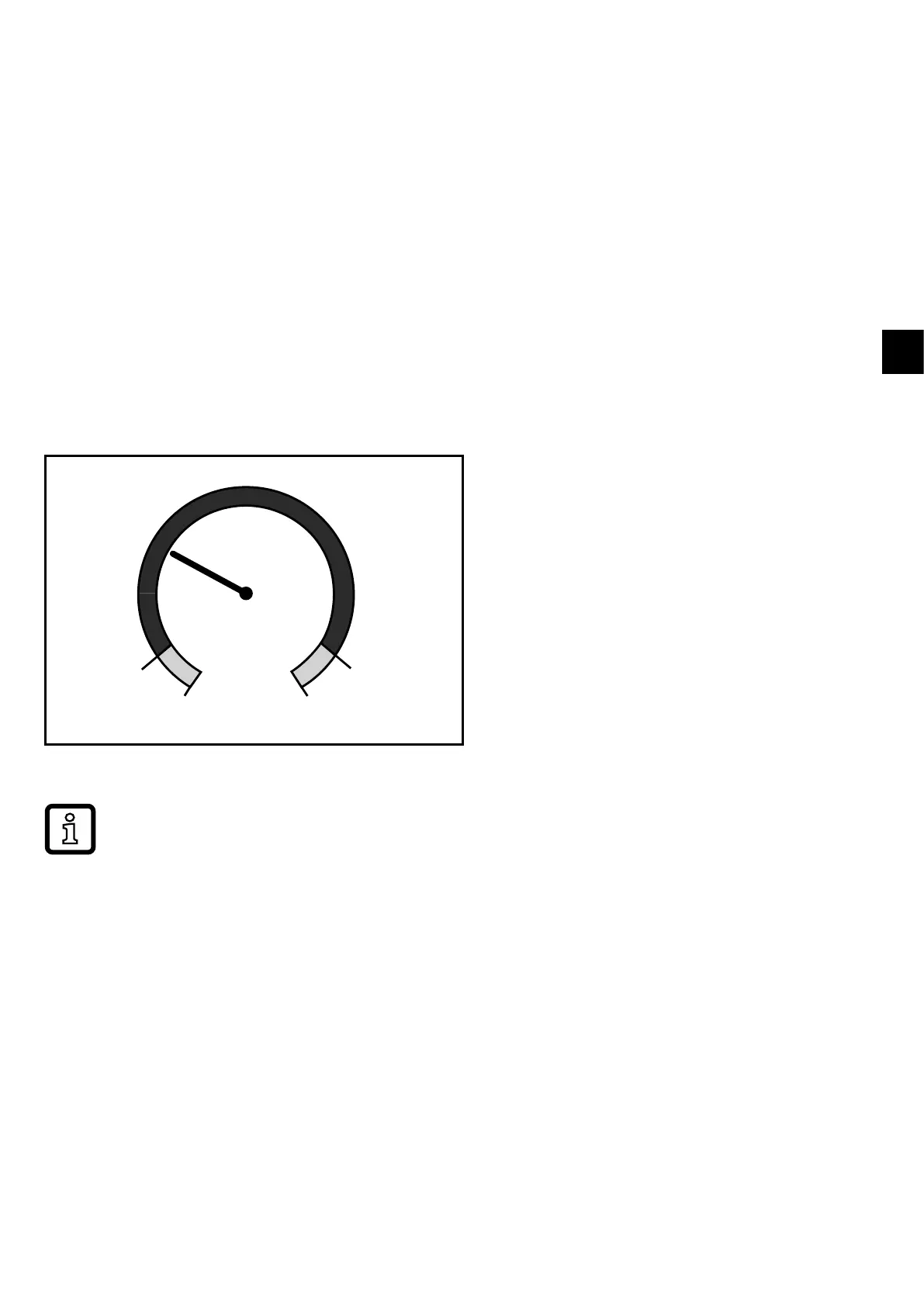
• Colour change from red to green or vice versa (Fig� 2):
- r-cF (red display colour between the limits cFL���cFH)
- G-cF (green display colour between the limits cFL���cFH)
cFL cFH
MAW MEW
cFL = lower limit
cFH = upper limit
MAW = initial value of the measuring range
MEW = final value of the measuring range
Fig� 2: Colour setting window function
The limits can be freely selected within the measuring range and are inde-
pendent of the output function set for OUT1 and OUT2�



 To Next Page