45
UK
11 Operation
The process values to be displayed permanently can be preset
Standard display)� A standard unit measurement can be defined for the flow rate
measurement, the temperature measurement and the pressure measurement (
10�6�2 and and )�
In addition to the preset standard display, the display can be changed by pressing
�
12 Error correction
The unit has many self-diagnostic options� It monitors itself automatically during
operation�
Warnings and error states are displayed, even when the display is switched off�
Error indications are also available via IO-Link�
The status signals are classified according to NAMUR recommendation NE107�
If several diagnostic events occur simultaneously, only the diagnostic message of
the result with the highest priority is displayed�
If one process value fails, the other process values continue to be available�
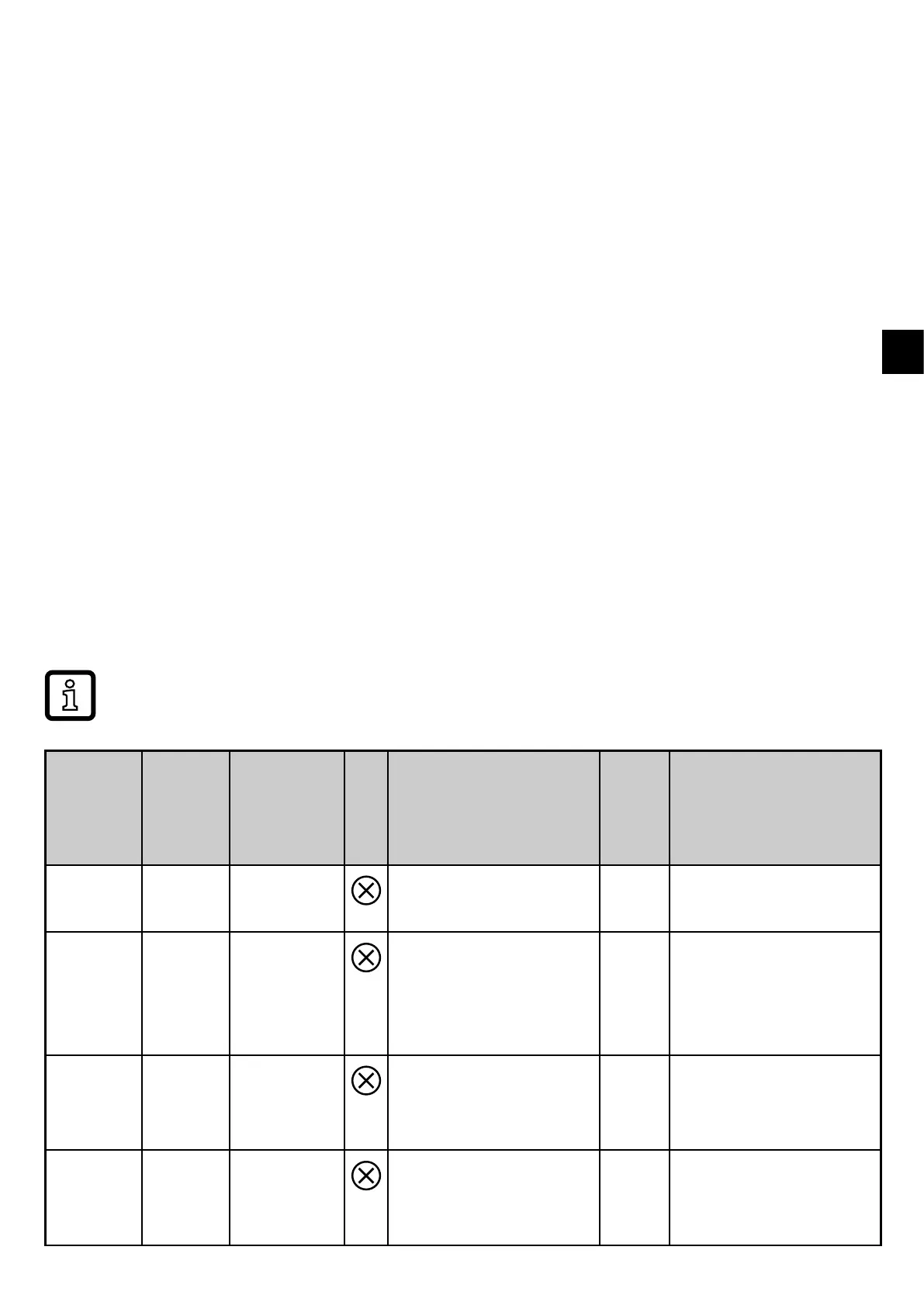
description at www�ifm�com
Process
value
line
Title line
Status
LED
Type
Description
Output
response
Error correction
ERROR ERROR --- Unit faulty / mal-
function
FOU Replace device�
Off Off --- Supply voltage too
low
Off Check the supply
voltage� Change
[diS�B] setting
10�6�1)�
PArA Param-
eter
Error
--- Parameter setting
outside the valid
range
FOU Repeat parameter
setting�
ERROR Pres-
sure
Error
--- Error in pressure
measurement
FOU Check pressure
measurement� Re-
place device�



 To Next Page