20
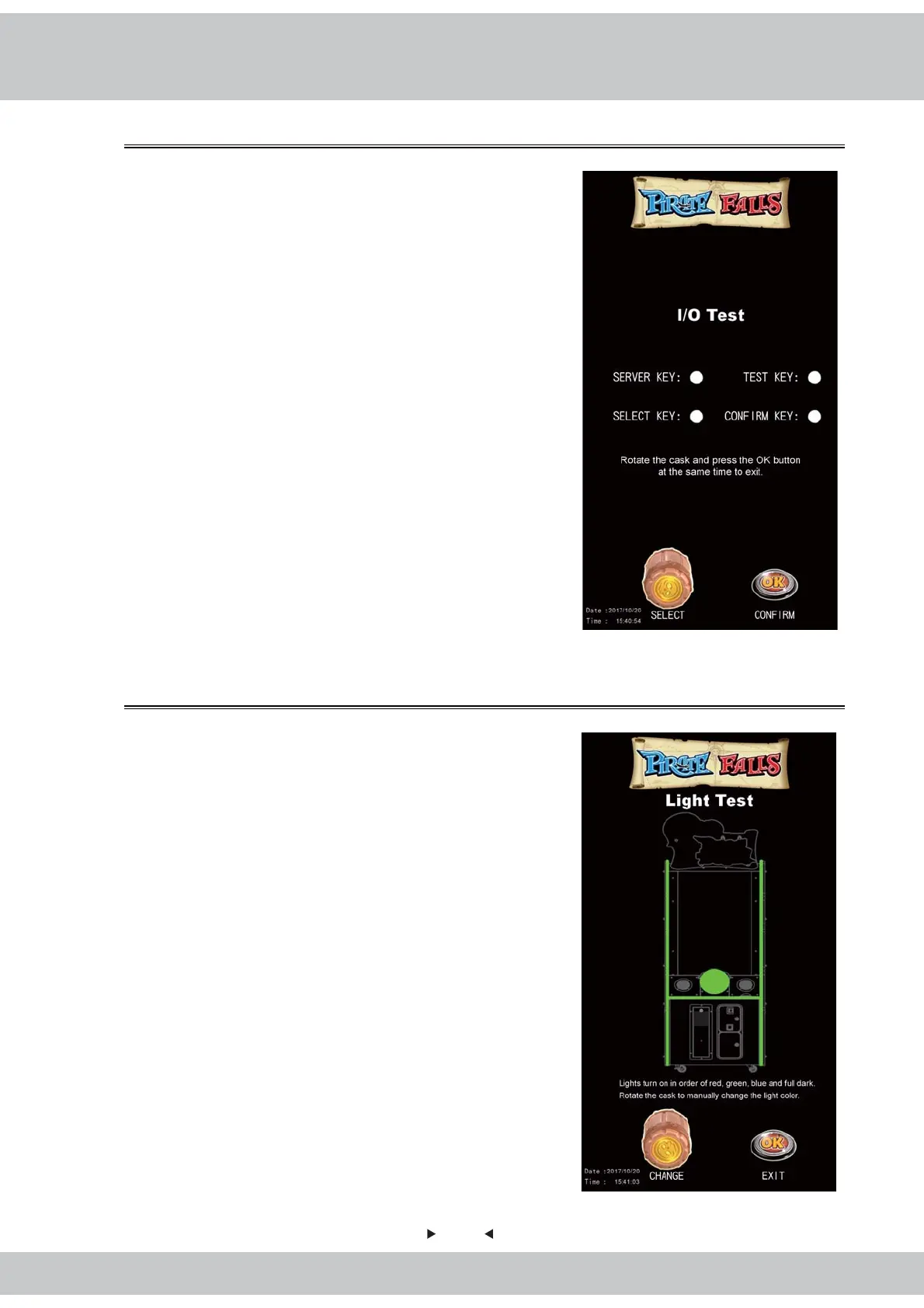
4.3.1 I/O Test
4.3.2 Light Test
Test if the I/O feature and coin acceptor function
normally.
1.Enter【Main Menu】>【Hardware Test】>
【I/O Test】 and you will see the screen shown as
below:
2.Use the Cask,OK Button,Test Key and Service
Key to perform tests.
3.Exit:Rotate the Cask and Press the OK Button to
exit.
Test if the cabinet’s lighting devices function normally.
1.Enter【Main Menu】>【Hardware Test】>
【Light Test】and you will see the screen shown as
below:
2.Lights turn on in order of red, green, blue and full
dark.
3.Rotate the Cask to manually change the light color.
4.Exit:Press the OK Button to exit.



 To Next Page