27
4.4.3 Time Setting
4.4.4 Password Setting
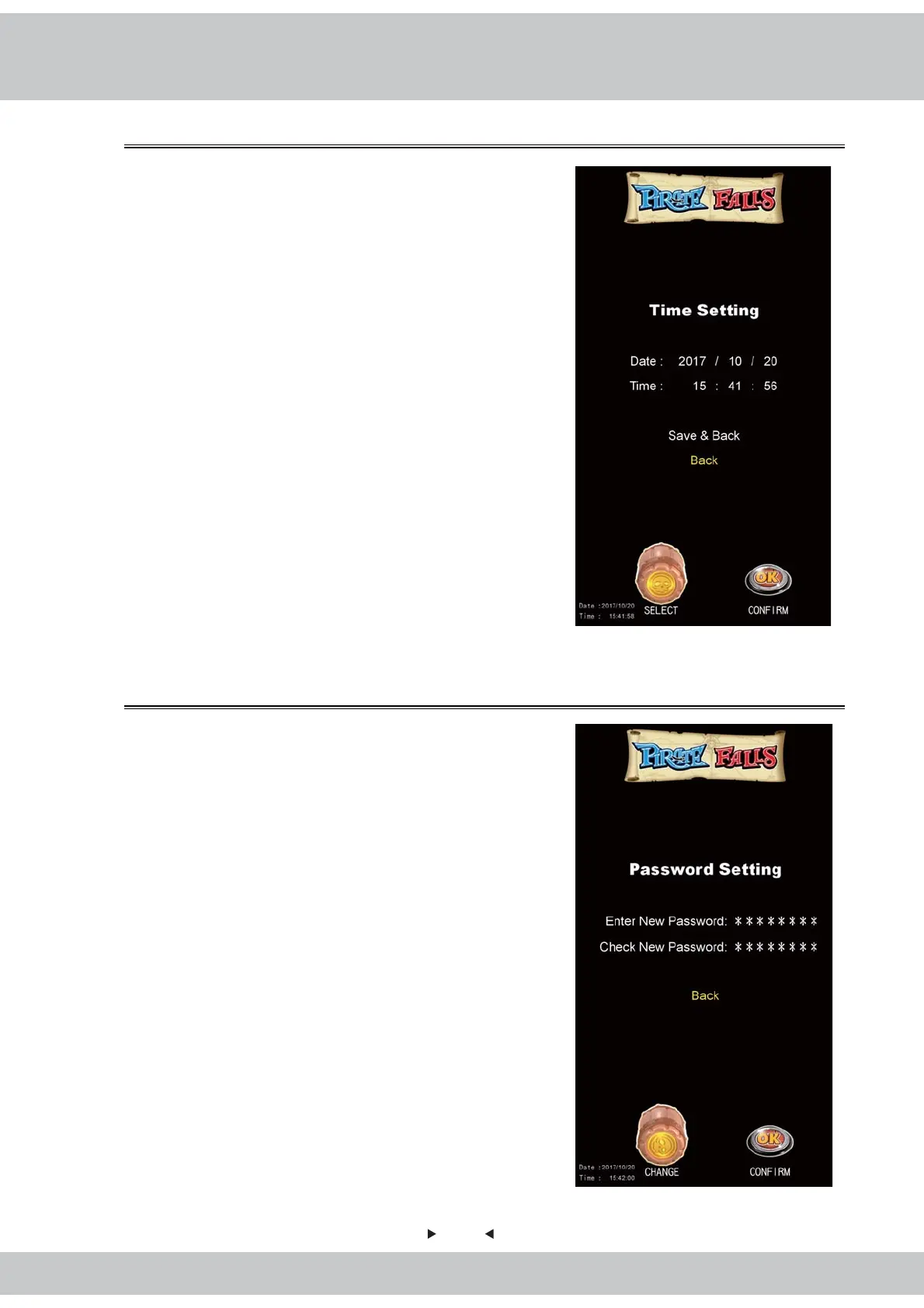
This is allowed to adjust the system time.
1.Enter【Main Menu】>【System Settings】>
【Time Setting】and you will see the screen shown
as below:
2.Rotate the Cask to select the column of options you
like to modify. Press OK Button to adjust the
numbers.
3.Save: Rotate the cask to choose date and time.
Save the changes and go back to the
previous page.
4.Exit:Rotate the Cask to choose the option and go
back to the previous page.
This is allowed to set the system's password.
1.Enter【Main Menu】>【System Setting】>
【Password Setting】and you will see the screen
shown as below:
2.Rotate the Cask to re-position digits, press the OK
Button to confirm the change.
3.Each field requires an 8-digit number; only the digits
for the field currently being modified are shown, all
other fields are displayed as「*」.



 To Next Page