28
4.Please enter the「New Password」. The
「New Password」will have to be entered again to
check for accuracy.
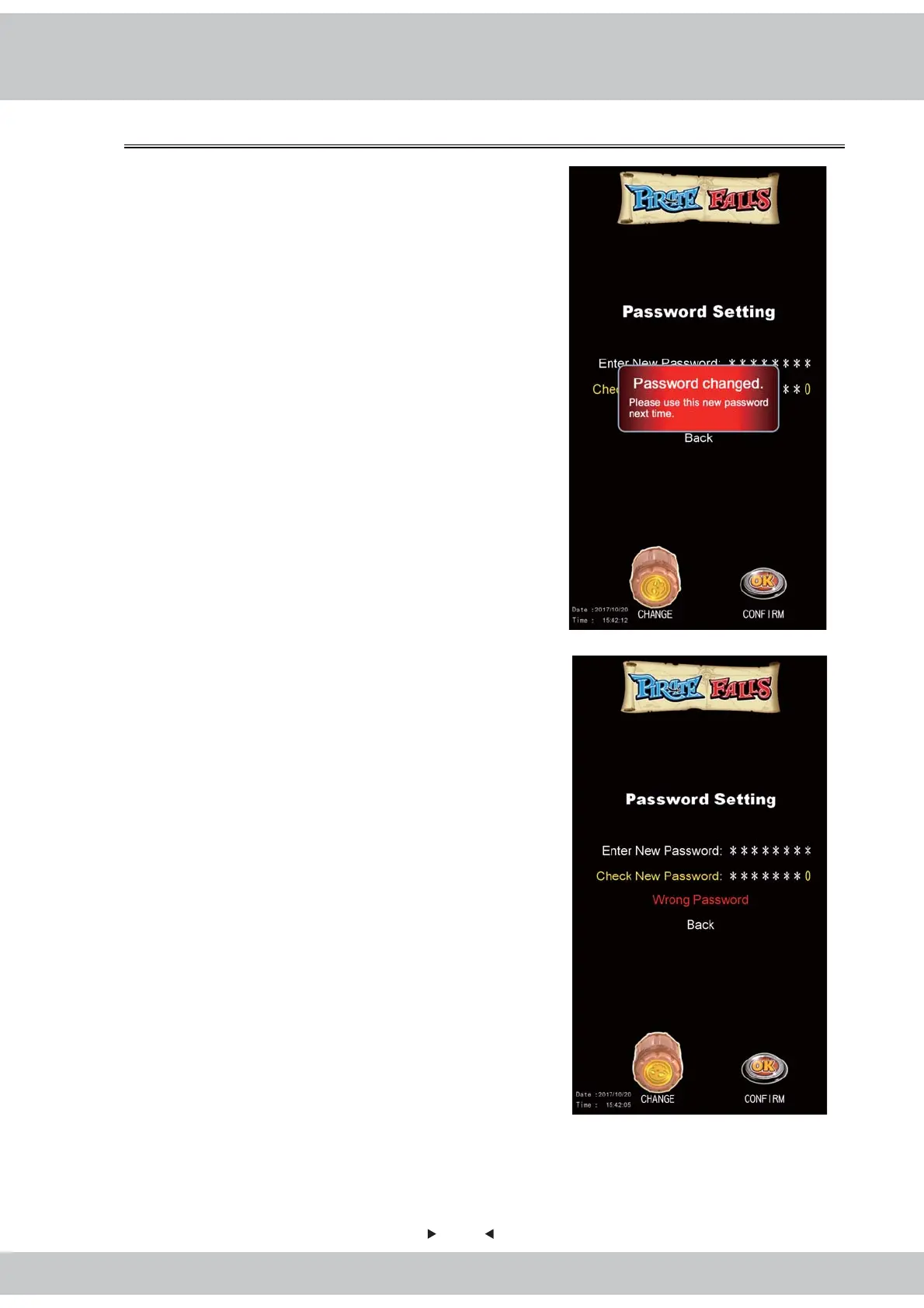
5.When the「Enter New Password」and「Confirm
New Password」 are verified, a notification
message will appear stating「Password changed
Please use this new password next time」.
6.When the「Enter New Password」and「Confirm
New Password」do not match, a 「Wrong
Password」message will appear. The screen will
immediately return to 【System Setting】.
7.The system's default password is「00000000」.
8.Exit:Rotate the Cask to choose the option and go
back to the previous page.



 To Next Page