32
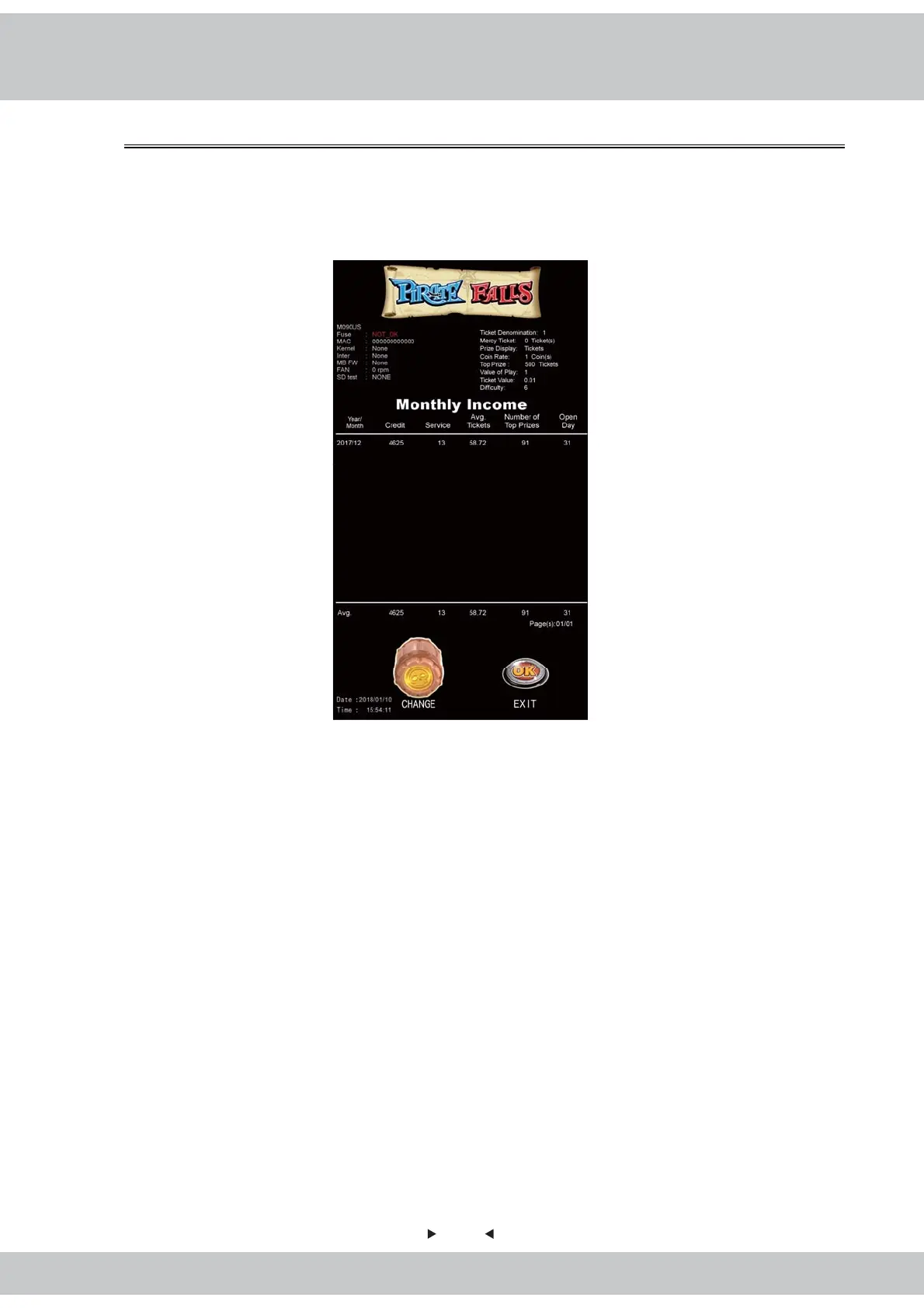
4.5.2 Monthly Income
This provides monthly income for user inquiry.
1.Enter【Main Menu】>【Bookkeeping】>【Monthly Income】and you will see the
screen shown as below:
2.Rotate the Cask can switch page and press the OK Button can exit this page.
3.Statement reports can keep data logs for the previous 30 months. The General
Ledger can display up to 15 records, totaling 2 page.
4.Item descriptions:
1)Year/Month:Display the month of the data.
2)Credit:Monthly number of rounds.
3)Service:Display the total service key number of the month(one key press the per
credit).
4)Avg. Tickets:Average number of tickets paid of the month.
5)Number of Top Prizes:Total top prize number that players win of the month.
6)Open day:Display the total operation days of the month.



 To Next Page