22
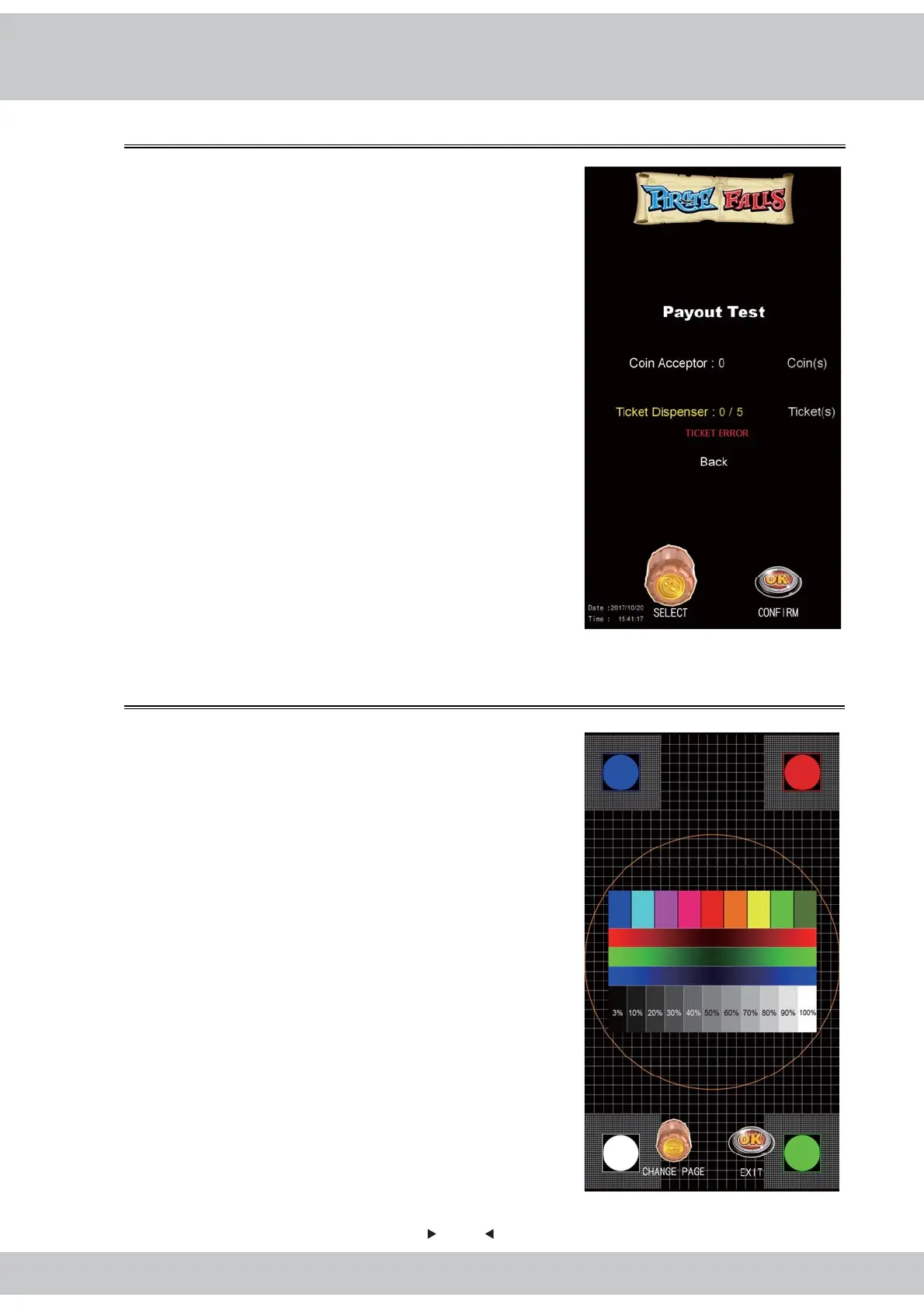
4.Five tickets are dispensed during machine test.
5.If the menu can not be quit, the menu is as shown
in the right figure:
6.For troubleshooting, please refer to Page 33 in
this manual.
7.Exit:Rotate the Cask to choose the option and go
back to the previous page.
4.3.5 Screen Test
This is allowed to run a preliminary check of the
cabinet's monitor and make sure it functions normally.
1.Enter【Main Menu】>【Hardware Test】>
【Screen Test】and you will see the screen shown
as below:
2.Rotate the Cask to switch the screen color according
to 【red】→【green】→【blue】 →【black】→
【white】order to test.
3.Exit:Press the OK button to exit.



 To Next Page