23
4.4 System Setting
This is allowed to adjust various system settings.
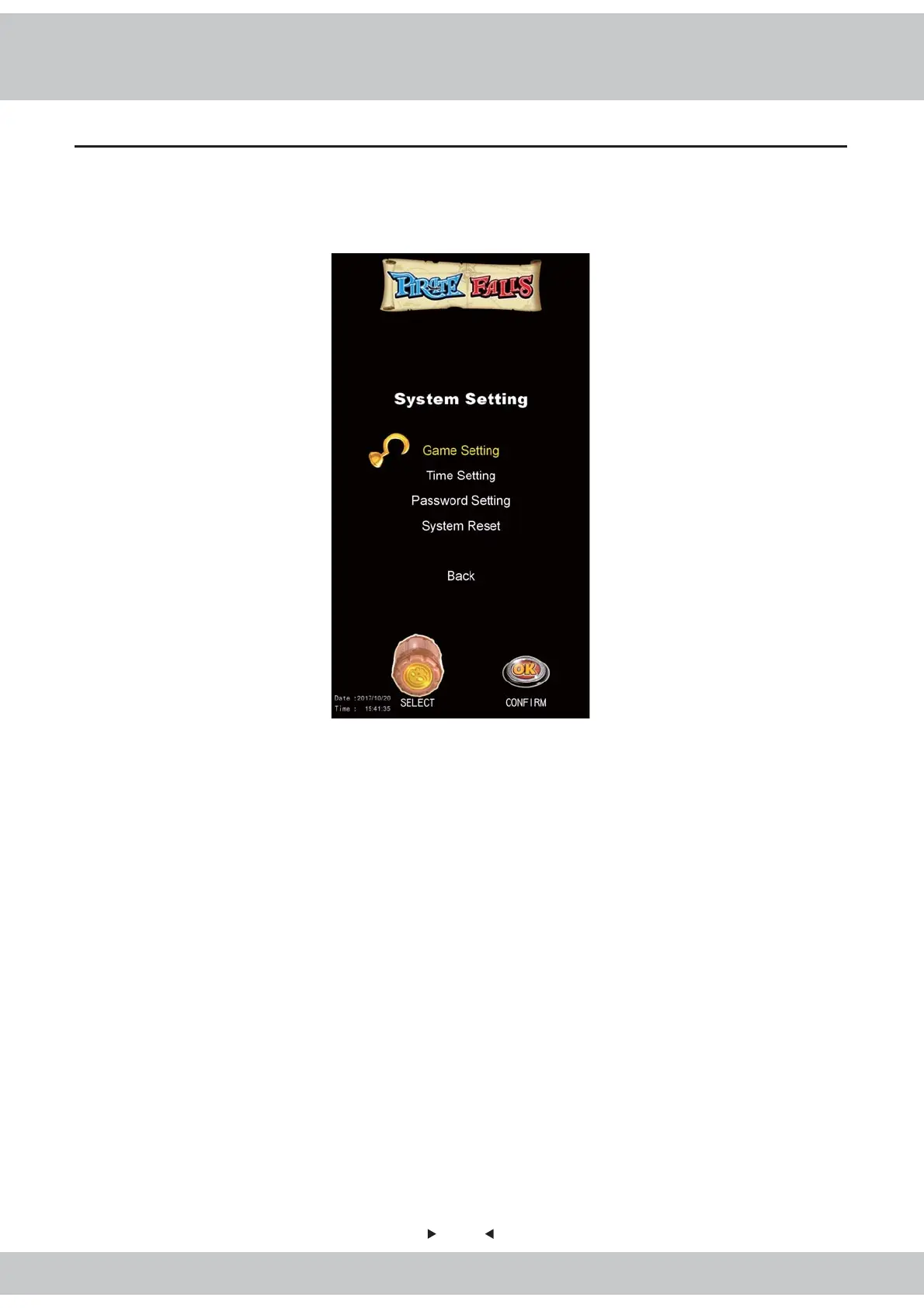
1.Enter【Main Menu】>【System Setting】and you will see the screen shown as
below:
2.The following describes the details of System Settings:
1)Game Setting: This is allowed to adjust all the related game settings.
2)Time Setting: This is allowed to adjust the system time.
3)Password Setting: This is allowed to adjust the cabinet's password.
4)System Reset :The System Reset feature is allowed to restore the system data to
default values.
3.Exit:Rotate the Cask to choose the option and go back to the previous page.



 To Next Page