11
Wizard
The Wizard page contains simple-to-use setup pages to set up your Internet and Netphone (VoIP) accounts.
For more details on how to set up your Internet, Netphone (VoIP) or Wi-Fi, please consult the
Quick Start Guide.
Apart from setting up your services, the Wizard has a couple of useful tools explained below:
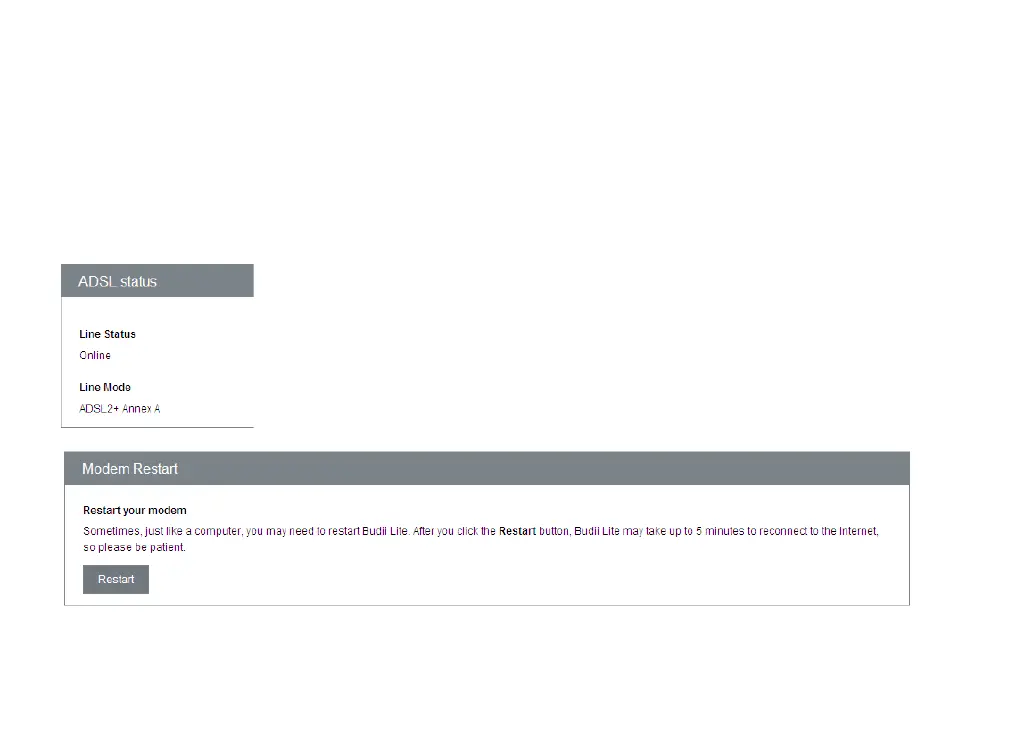
ADSL Status
Budii Lite
®
will tell you if it has an established ADSL ‘sync’ or physical
connection, as well as the type of ADSL connection mode it is using. By
default Budii Lite
®
will select the most stable mode based on a variety of
factors, including the length of your phone line and cable quality.
Modem Restart
Click here
to reboot your modem. This will not wipe any settings from Budii Lite
®
.



 To Next Page