44
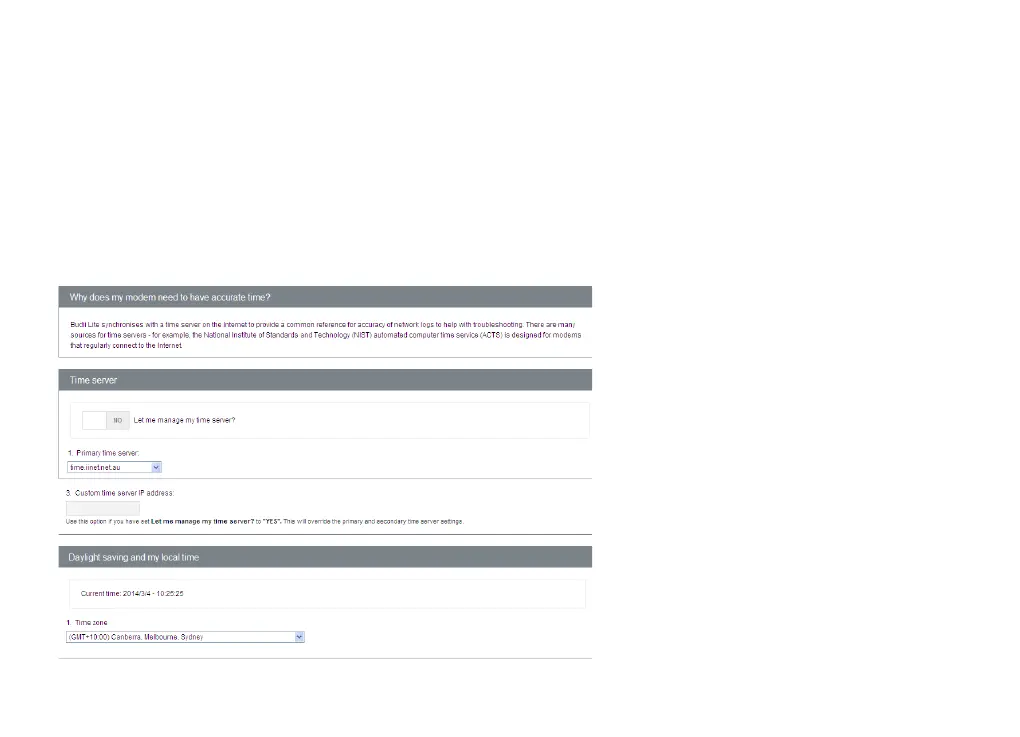
MODEM DATE/TIME
Having the correct date and time settings on your Budii Lite
®
is important for several reasons, including the
logging of data crucial for troubleshooting.
To change it, navigate to Modem time settings inside the Advanced Settings tab.
Ensure the timezone selected matches the area you live in, as well keeping the daylight savings option ticked if
you are in a state or territory where Daylight Savings is used.



 To Next Page